
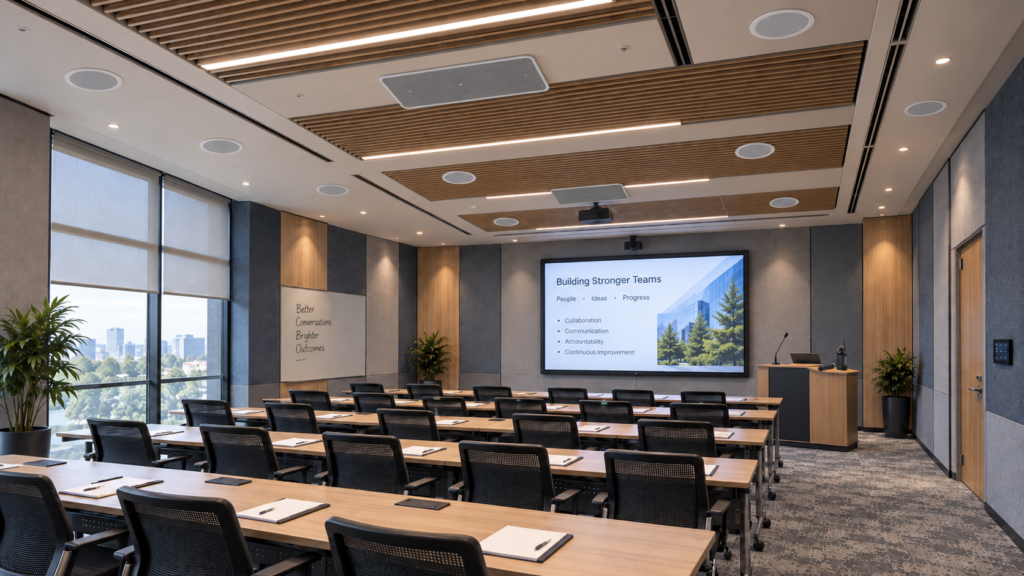
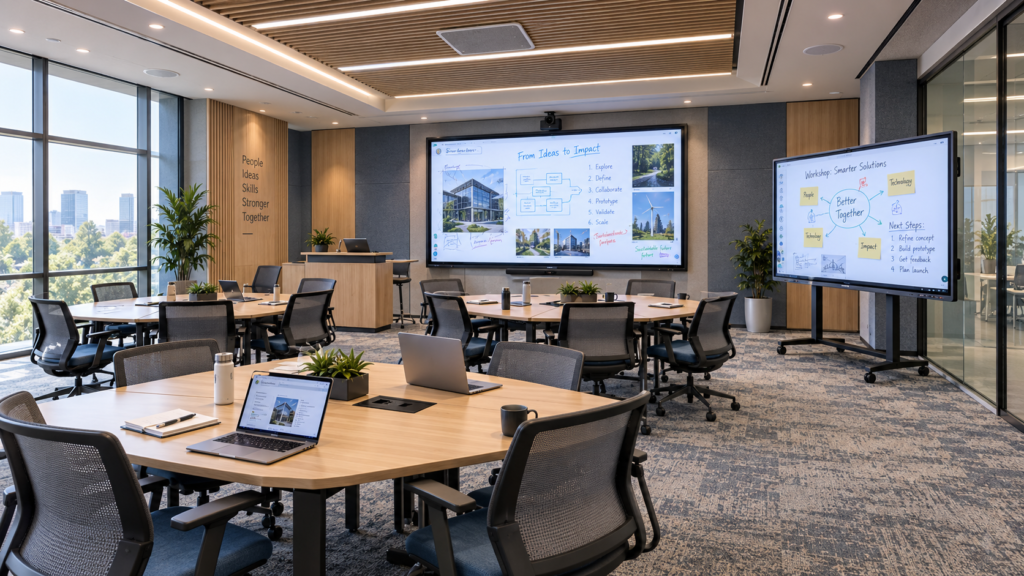
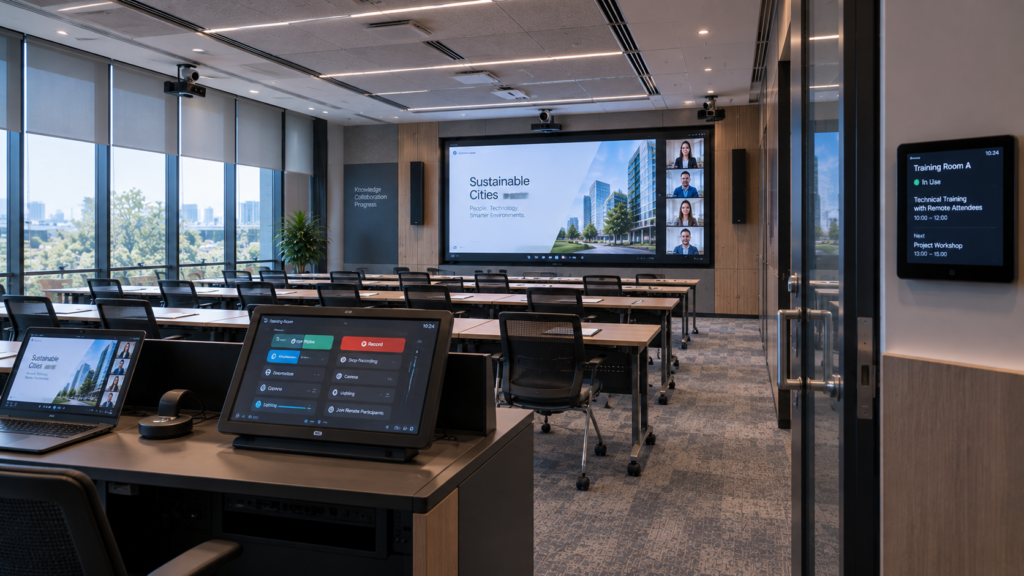
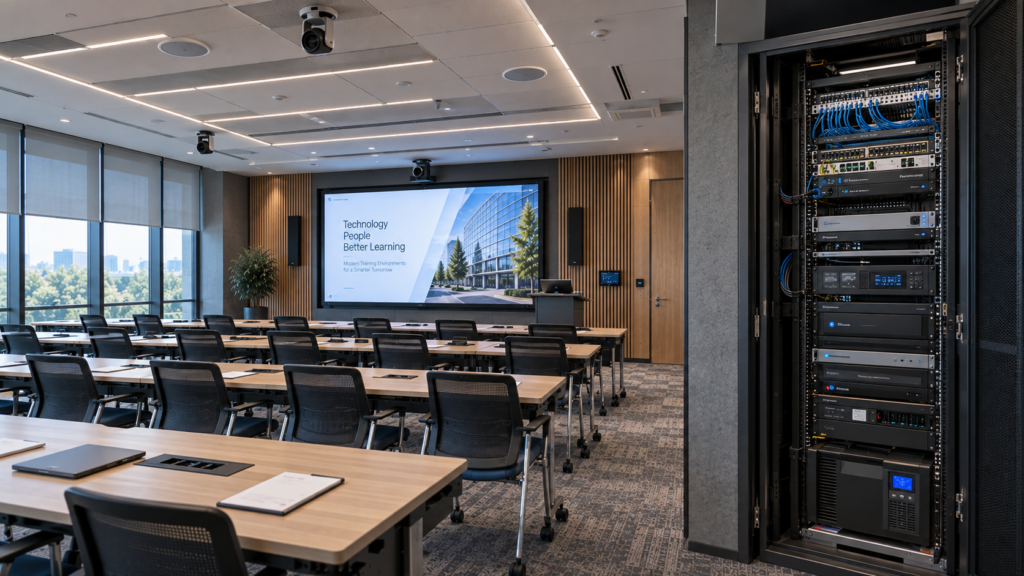




















































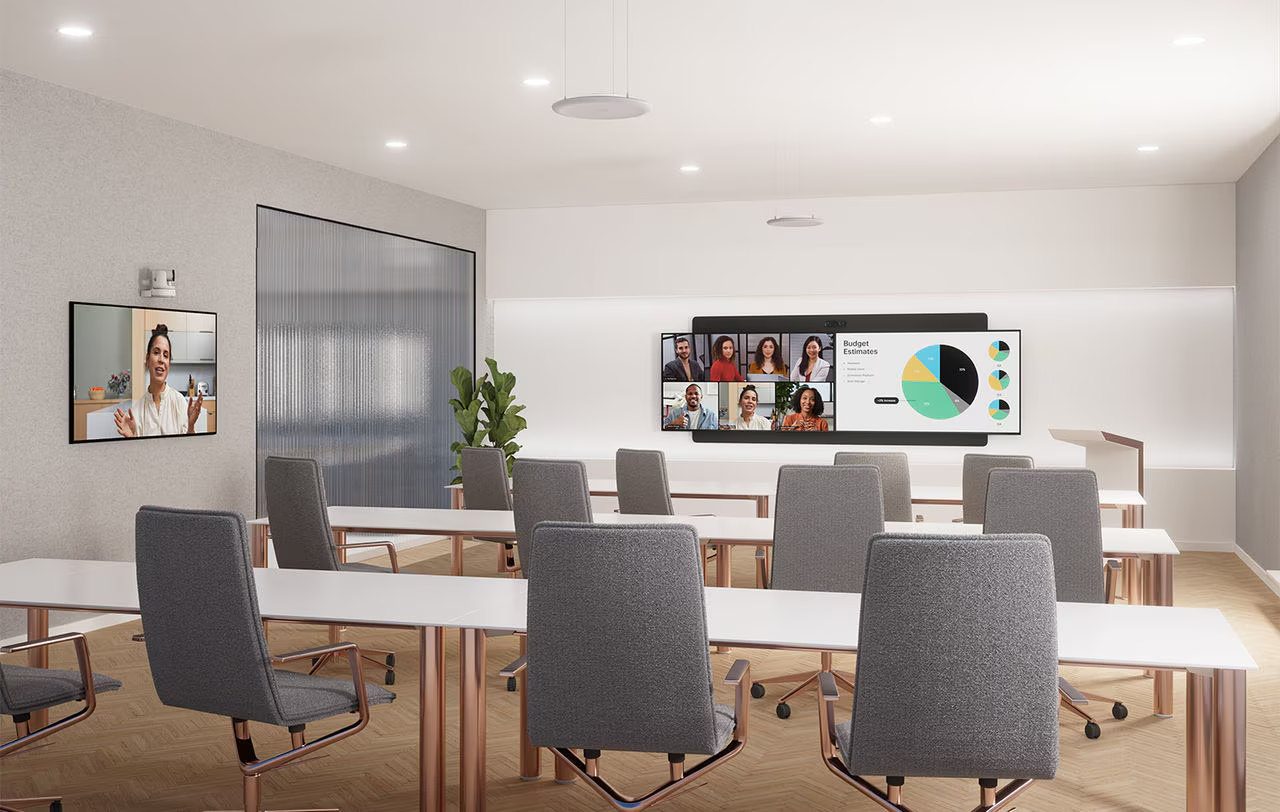
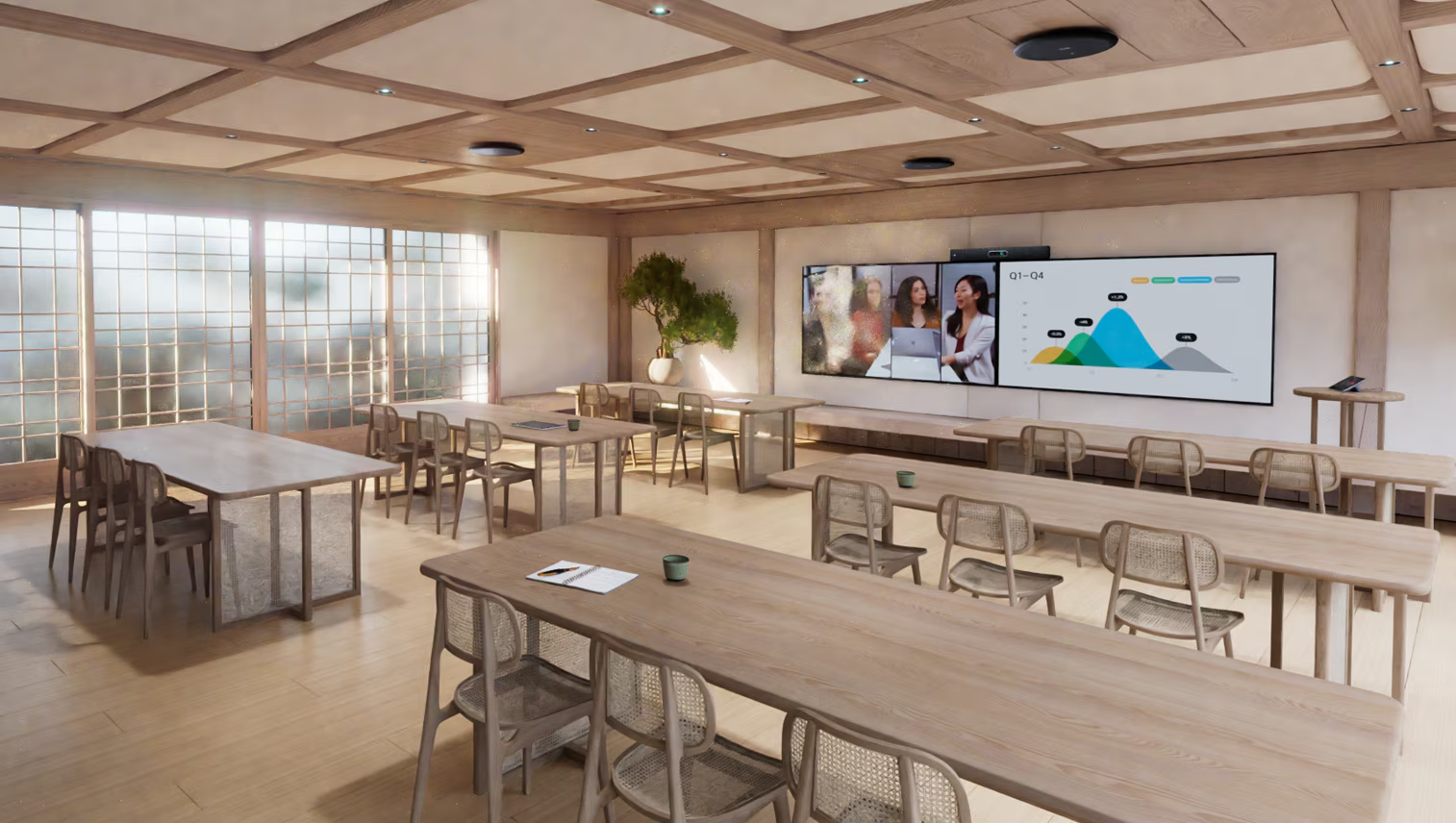

Training Room Solutions
Homepage > Unified Communication & Collaboration > Training Rooms
Unified Communications & Collaboration Solutions
Training Rooms for Knowledge Sharing
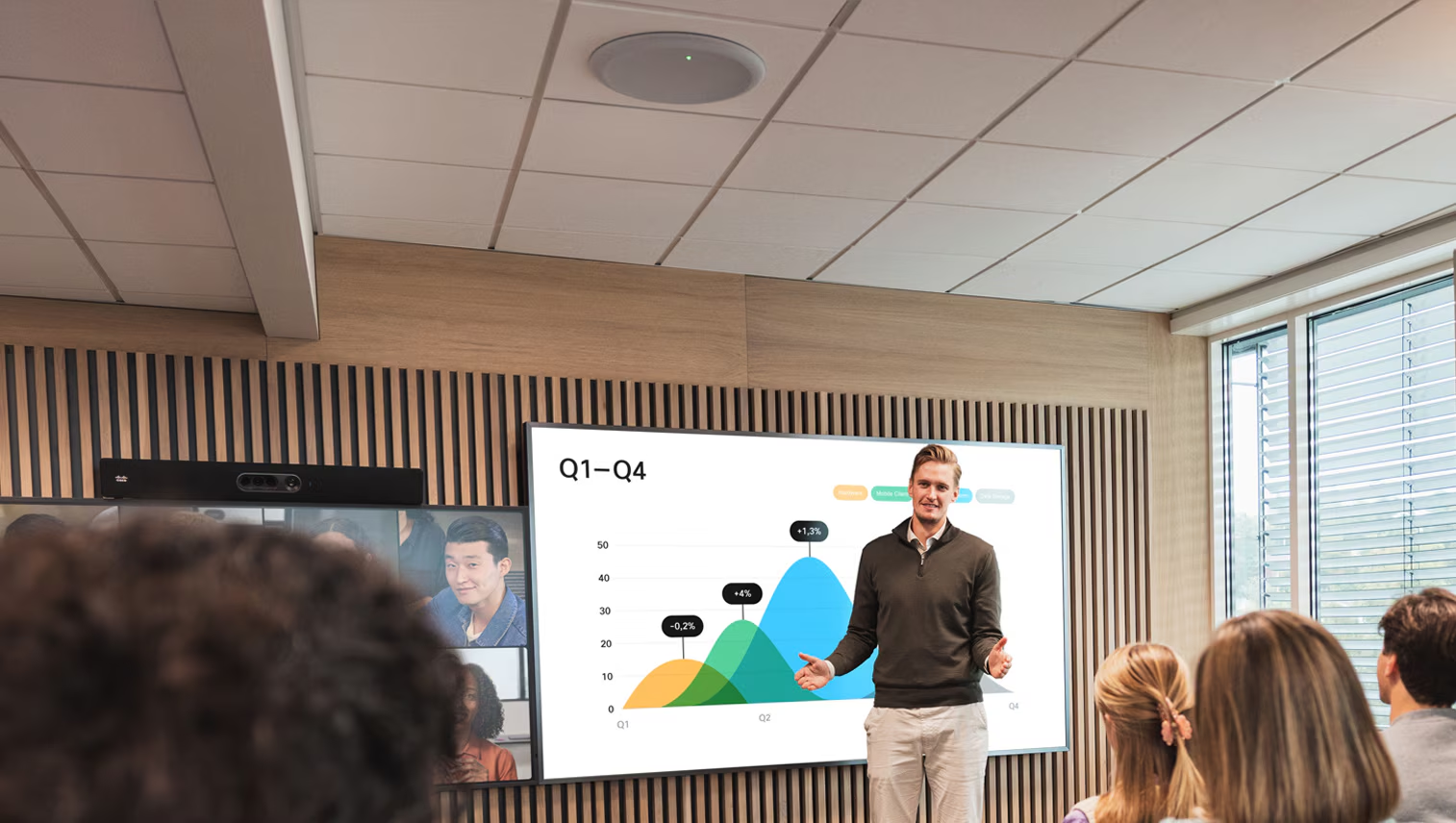
Organizations depend on training, onboarding, workshops, certifications, and professional development to build skills and maintain operational excellence. Training environments must support both instructors and participants while enabling effective content delivery and engagement. The quality of the learning environment directly influences knowledge retention and participation.
Modern training rooms also need to accommodate hybrid participation, recorded sessions, and multiple learning formats. Effective design helps learners focus on the content rather than the technology. Flexibility is essential to support evolving learning requirements over time.
Integrate Systems
What is a Training Room?
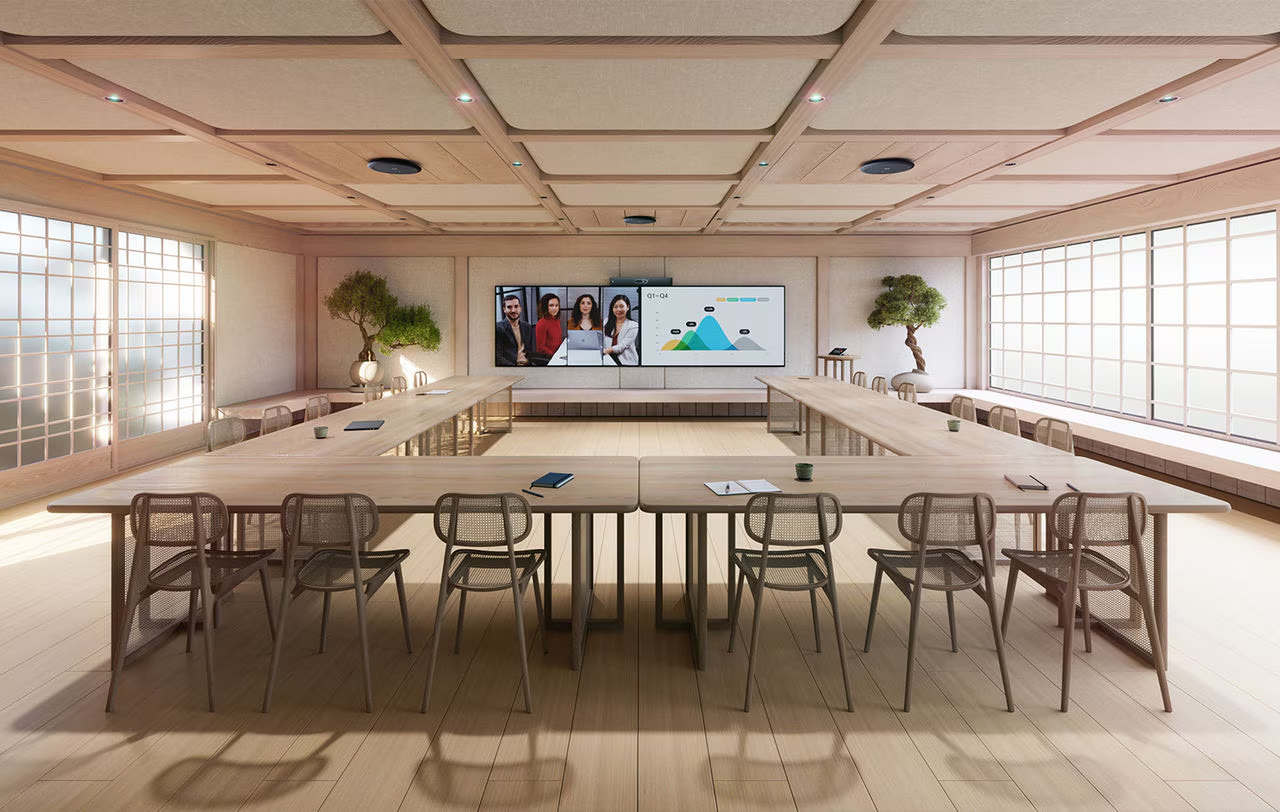
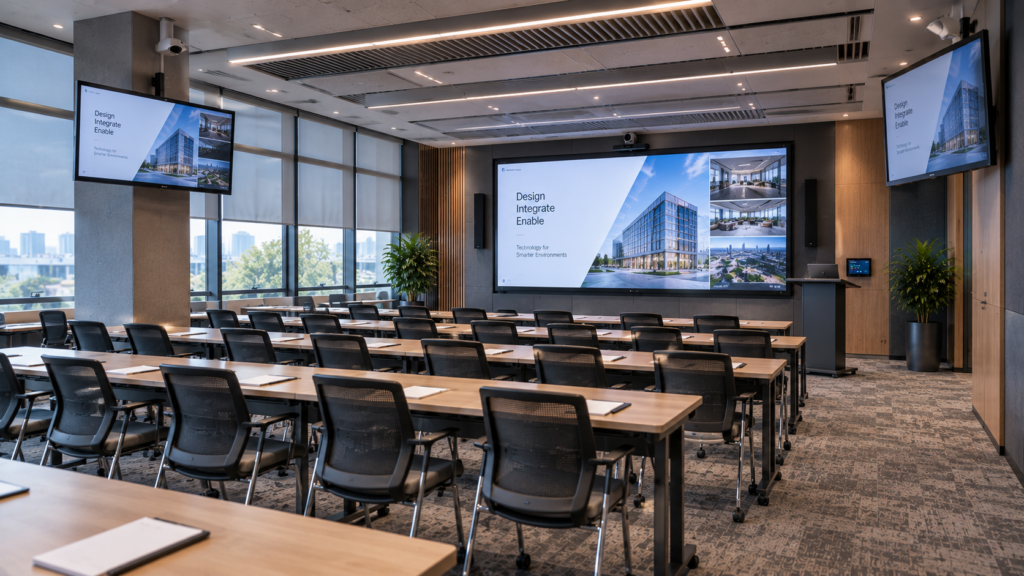
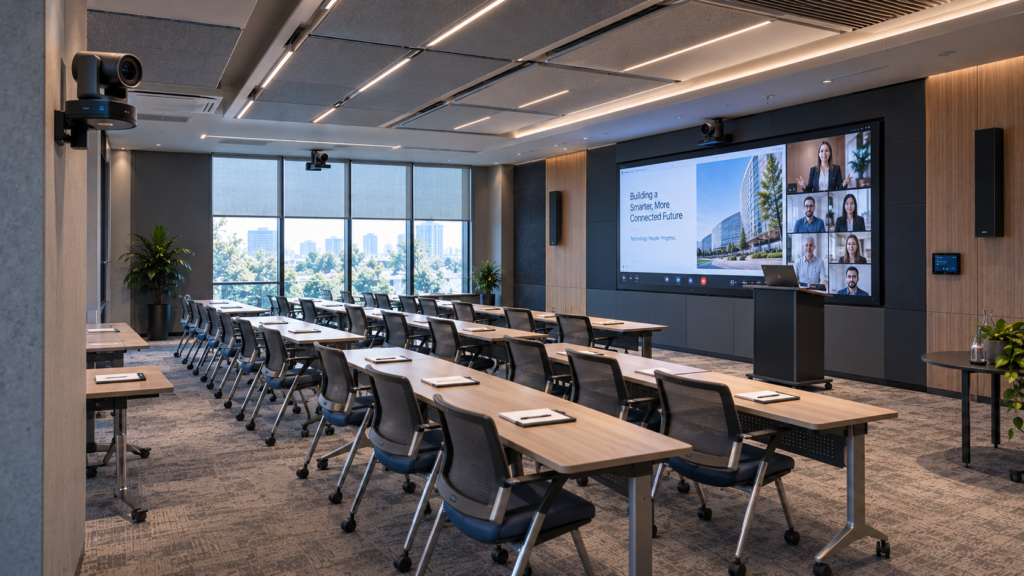
A training room is a technology-enabled learning environment designed for workshops, certifications, onboarding programs, instructor-led sessions, and professional development activities. These spaces are designed to support knowledge transfer in both formal and informal learning scenarios.
- Improve participant engagement
- Support effective knowledge transfer
- Enable hybrid learning experiences
Core Technologies for Training Rooms
Training rooms require integrated AV, collaboration, and learning technologies that support instruction, participant engagement, content visibility, hybrid learning, and knowledge transfer across a wide range of educational and professional development scenarios.
Visual technologies help ensure learning materials remain clear and accessible to every participant in the room.
- Large-Format Displays
- Professional LCD Displays
- LED Displays
- Interactive Displays
- Projection Systems
Video technologies support hybrid learning, recording, remote participation, and classroom interaction.
- Instructor Cameras
- Audience Cameras
- PTZ Cameras
- Speaker Tracking Cameras
- Hybrid Learning Systems
Clear audio is essential for both learning retention and participant engagement.
- Ceiling Microphones
- Table Microphones
- Wireless Microphones
- Professional Loudspeakers
- DSP Platforms
- Acoustic Treatments
Interactive tools help transform training sessions from passive presentations into collaborative learning experiences.
- Interactive Displays
- Digital Whiteboards
- Wireless Presentation Systems
- Annotation Tools
- Collaboration Platforms
Training environments often require technologies that support scheduling, content capture, and instructor workflows.
- Recording Systems
- Streaming Platforms
- Room Scheduling Panels
- Calendar Integration
- Instructor Control Interfaces
Supporting infrastructure helps ensure reliable operation, scalability, and long-term system performance.
- Structured Cabling
- Network Infrastructure
- AV-over-IP Technologies
- Signal Distribution Systems
- Rack Systems
- Power Management Solutions
Platform Compatibility
Designed Around Your Collaboration Ecosystem
ELTEK Integrate designs training rooms around the collaboration platform preferred by the organization, including:
Technology Partners
Collaborating With Industry-Leading Technology Manufacturers


AV/IT System Integration
End-to-End Solutions Design by ELTEK Integrate
ELTEK Integrate manages training room projects end to end, aligning AV, IT, room layout, acoustics, teaching workflows, lighting, control, and user experience.
Our approach includes:
- training room assessment and technical planning
- design based on teaching format, capacity, and learning workflows
- platform and device selection
- integration of displays, cameras, microphones, speakers, controls, recording, and wireless sharing
- lighting, scheduling, network, power, and cable management planning
- planning for hybrid learning and recording workflows
- configuration of presets for lecture, workshop, hybrid class, and Q&A scenarios
- installation, testing, user guidance, and ongoing support
Value & Differentiation
Why Training Room Design Matters
A training room isn’t just a meeting room with more seats. It has to support teaching, listening, presenting, interaction, recording, and remote participation all at once — in a way that stays simple for instructors and genuinely effective for learners.
Get it wrong and training rooms produce unclear instructor audio, unreadable content, weak camera views, and constant technical interruptions — exactly the kind of friction that undermines a session’s actual purpose: transferring knowledge. Get it right, and the room becomes a reliable environment where hybrid education actually works at scale, whether that’s onboarding, compliance training, or a technical workshop.
That’s the gap ELTEK Integrate closes: bringing AV design, IT integration, platform expertise, and long-term support together so every training room stays practical for instructors and effective for the people actually trying to learn something in it.
Training Rooms
Typical Use Cases
Training rooms can support a wide range of learning and collaboration scenarios:
New Employee Onboarding Sessions
Introduce new employees to company processes, tools, culture, compliance, and operational workflows.
Professional Development
Sessions for skills development, leadership programs, sales training, communication workshops, and internal learning initiatives.
Hands-On Technical Training
Hands-on learning for software demonstrations, equipment instruction, process training, and technical workflows.
Hybrid Classroom Learning Sessions
Learning environments that connect in-room and remote participants through professional audio, video, and content sharing.
Mandatory Compliance Training
Mandatory sessions for safety, governance, cybersecurity, legal requirements, and internal procedures.
Partner & Channel Training
Professional training sessions for partners, resellers, suppliers, external collaborators, and channel teams.
Workshops & Group Exercises
Interactive sessions for team exercises, breakout discussions, brainstorming, and problem-solving.
Webinars & Recorded Sessions
Live or recorded learning content for remote audiences, reusable training materials, and internal knowledge sharing.
Frequently Asked Questions
Training Rooms FAQs
What is a training room?
What technology is typically included in a training room?
How is a training room different from a meeting room?
Can training sessions be recorded for future use?
Why is professional training room design important?
Need Additional Information?
If you require additional technical details or project‑specific information, our team is available to provide clarification and guidance.
Our number
+40 21 200 64 55
Our Email
Contact
Let’s Discuss Your Technology Requirements
Insights & Articles
Insights On Modern Collaboration
Is your AV a cybersecurity risk? NIS2 for meeting and control rooms
Every camera, codec and video wall controller on your network is an IT asset. Under NIS2, it is treated like one.
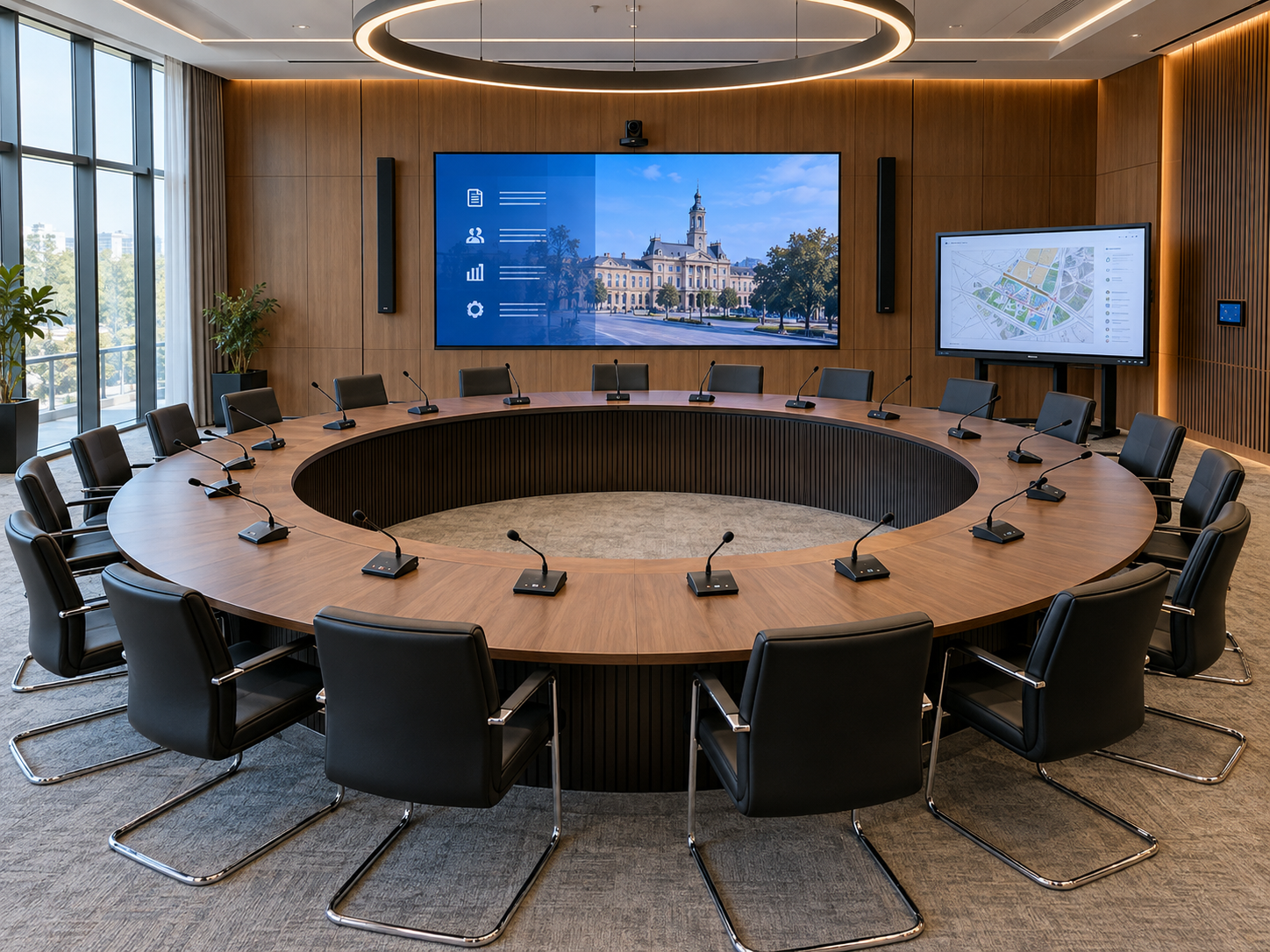
Conference systems for council chambers: a planning guide
Every word on the record, every vote counted, every citizen able to follow.
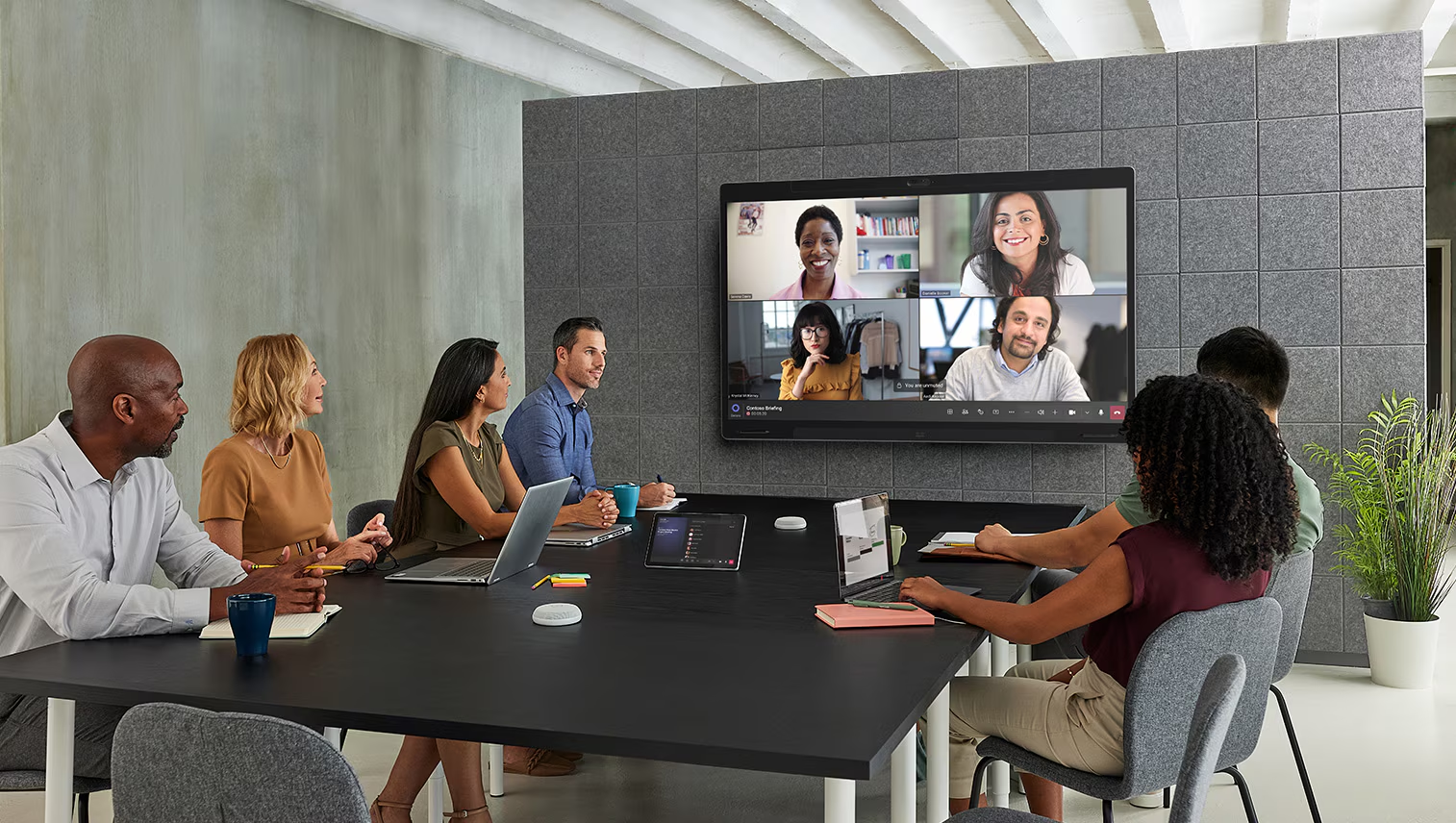
Why meeting rooms fail users: a 10-point technology checklist
Most room failures start at the design stage.
Be the First to Know — Subscribe Today!
Stay up to date with the latest insights, industry trends, company news, upcoming events, and valuable resources delivered directly to your inbox.
 LinkedIn | Youtube | Facebook | InstagramÂ