
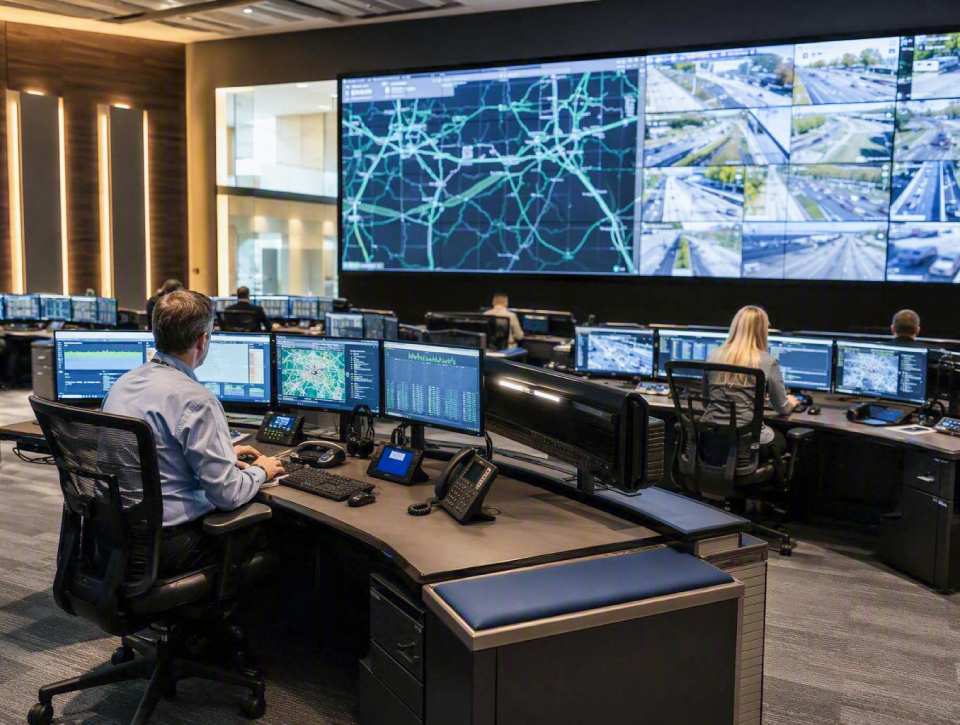
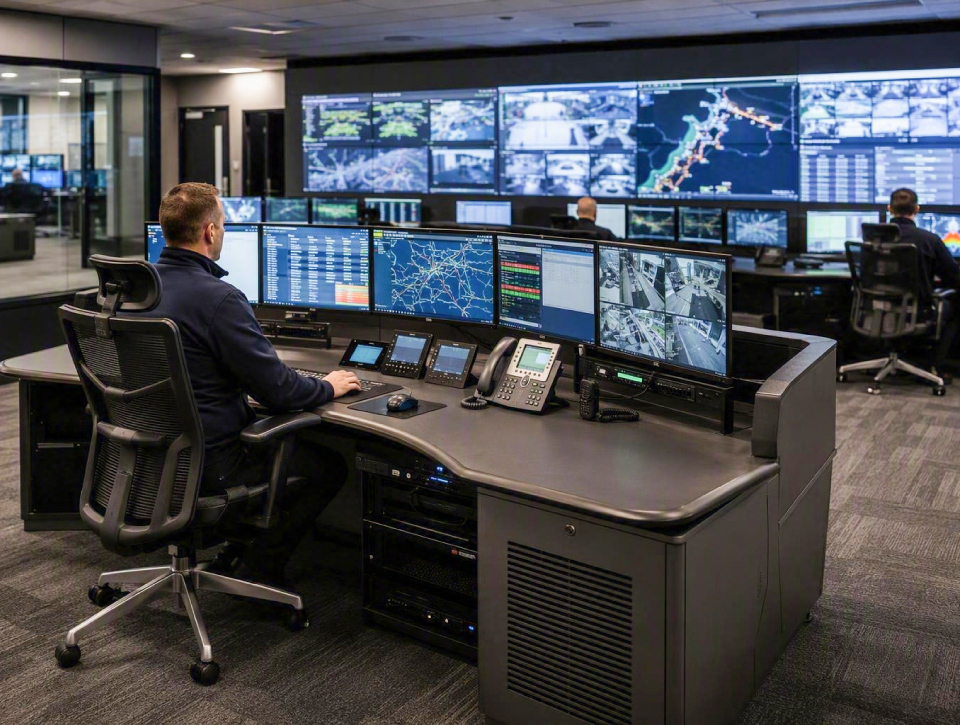
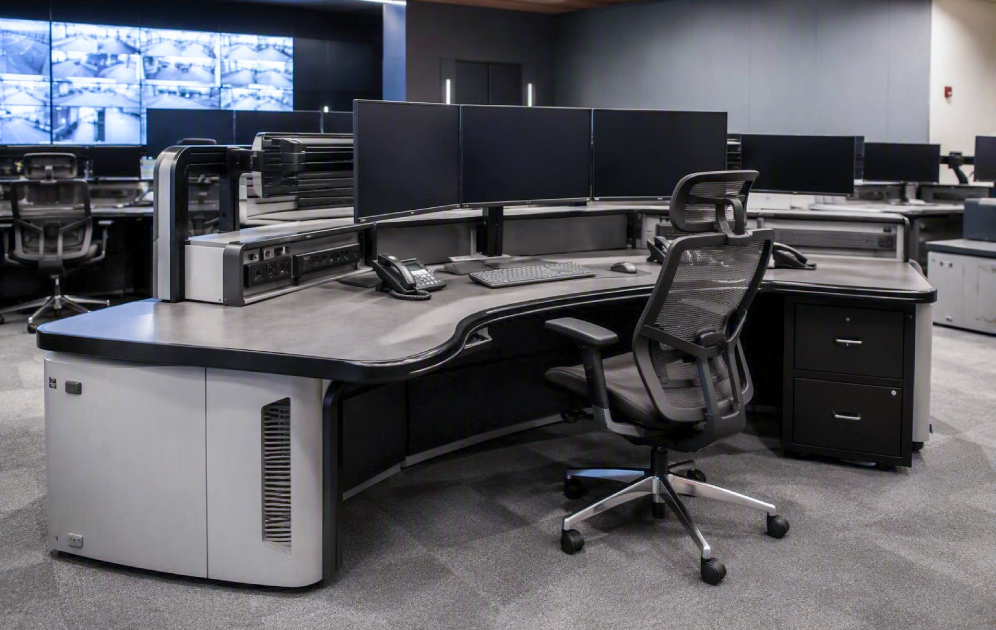
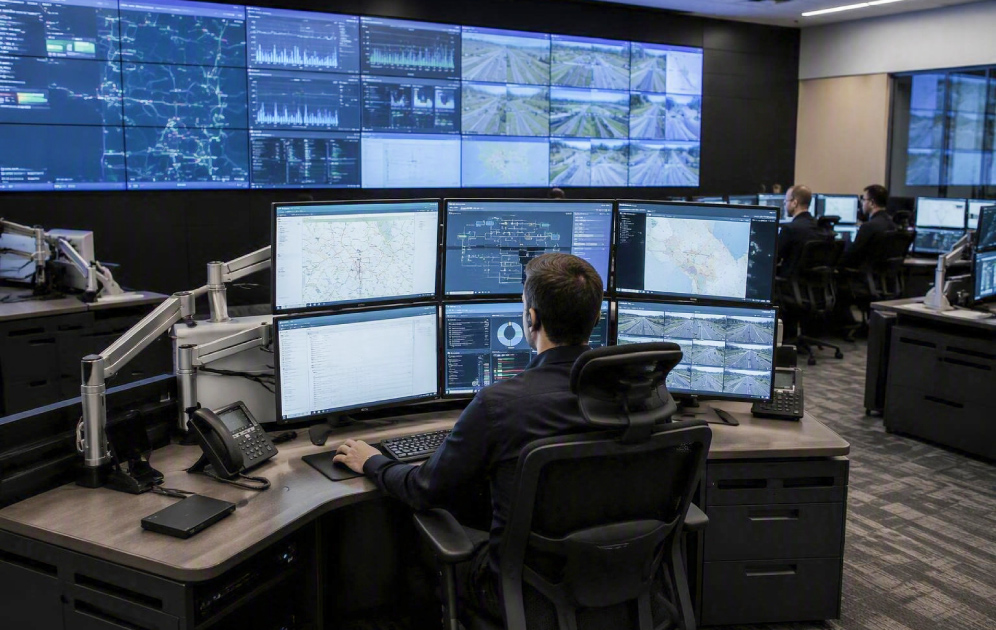




















































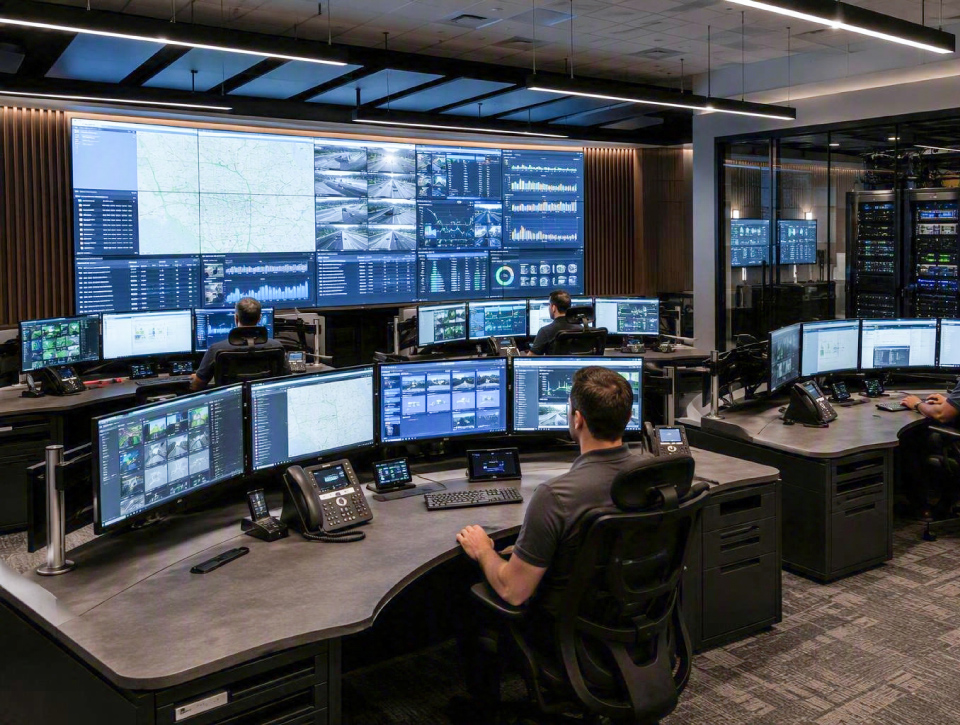
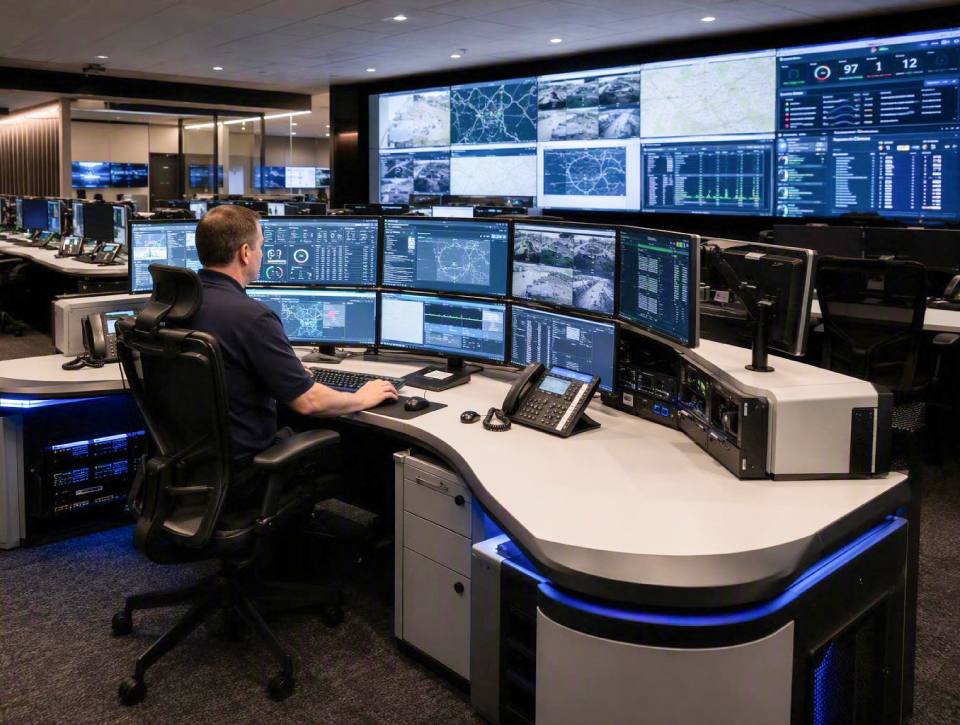

Operator Workstations & Consoles
Homepage >Â Control Rooms & Operations Centers > Operator Workstations & Consoles
Control Room Solutions
Operator Workstations for Performance and Operational Efficiency
Control room operators often spend extended periods monitoring systems, responding to alerts, and coordinating operational activities. The effectiveness of these tasks depends not only on the information available, but also on how the workstation environment supports user comfort, visibility, and workflow efficiency.
Integrate Systems
What are Operator Workstations & Consoles?
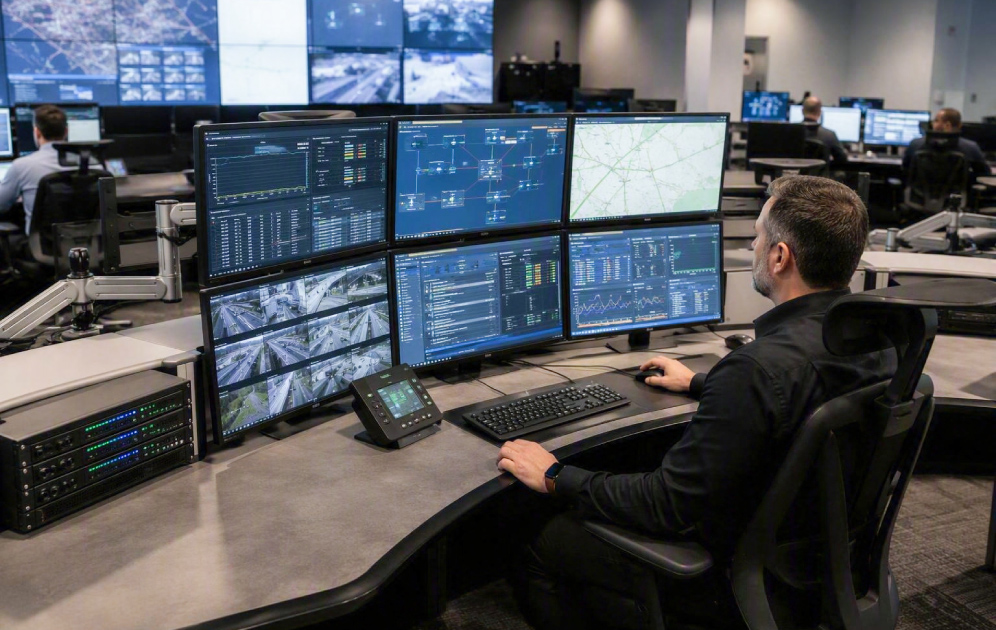
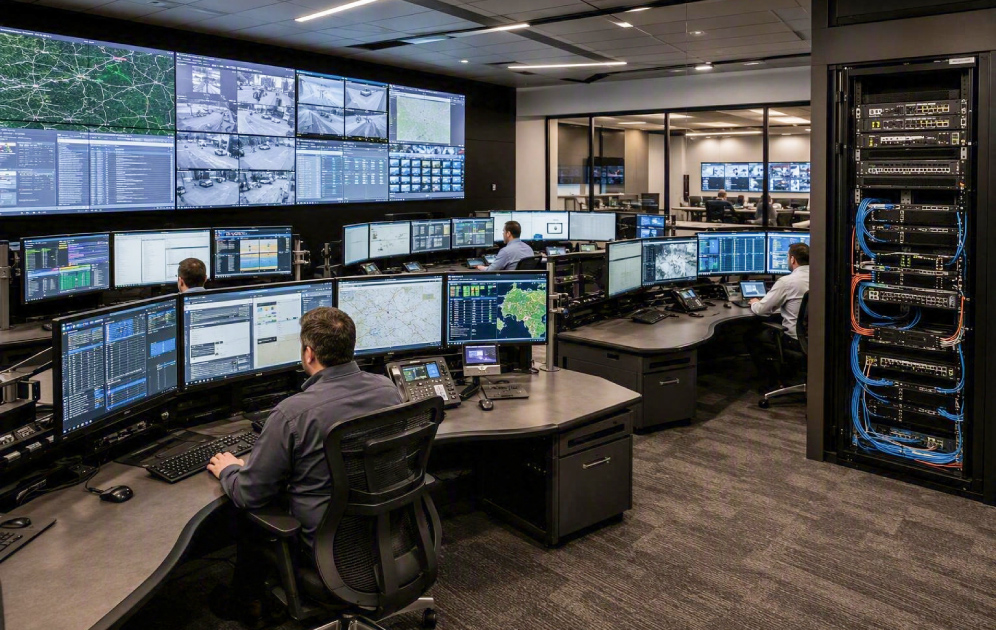
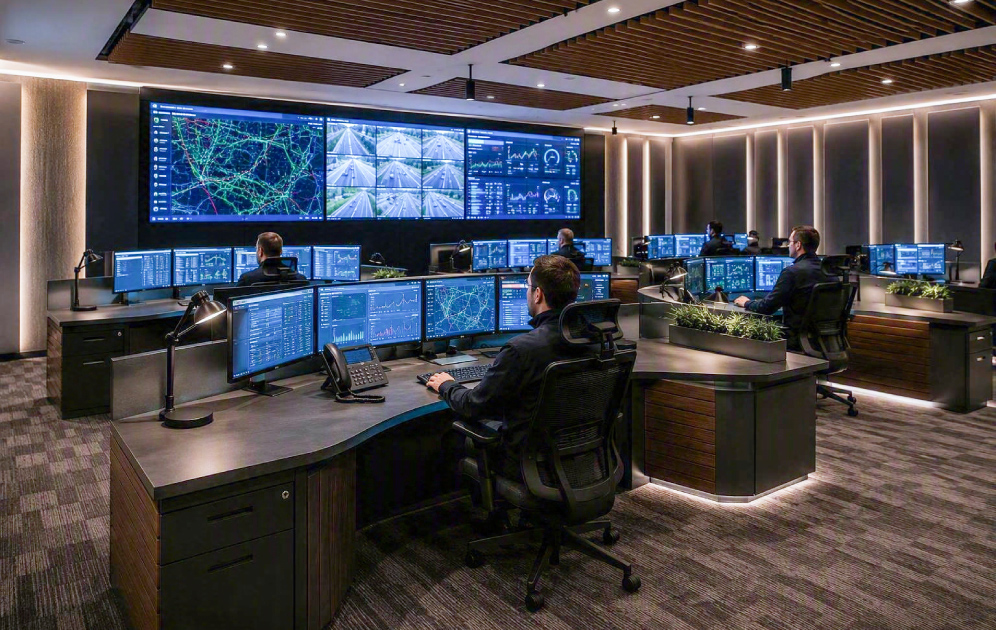
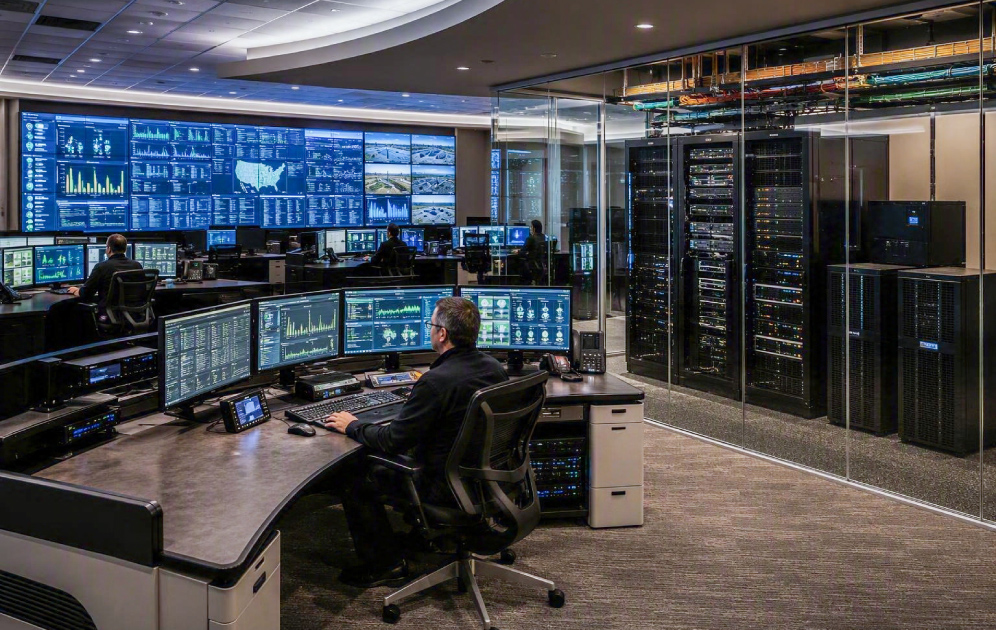
Operator workstations and consoles are purpose-built environments designed to provide users with organized access to monitoring systems, communication tools, displays, and operational technologies within control room environments.
- Improve operator comfort
- Support long-duration monitoring
- Organize access to critical systems
Operational Benefits
Why Organizations Choose Operator Workstations & Consoles
Improved Operator Performance
Provide operators with organized access to systems, displays, and information needed to perform routine monitoring and incident response.
Better Ergonomics & Comfort
Support long-duration shifts through workstation designs that consider posture, reach zones, display placement, and user comfort.
Faster Access to Critical Systems
Reduce complexity by integrating displays, KVM access, communications tools, and operational platforms into a single workspace.
Scalable Operational Environments
Create workstation environments that can adapt as operational requirements, technologies, and team structures evolve.
Technologies That Power Operator Workstations & Consoles
Operator workstation environments combine ergonomic furniture, display systems, KVM technologies, connectivity infrastructure, and operational workflows to create effective control room environments that support continuous operation.
Purpose-built consoles provide the physical foundation of the operator environment.
- Operator Consoles
- Ergonomic Workstations
- Sit-Stand Solutions
- Supervisor Consoles
Display technologies help operators monitor information efficiently throughout their shift.
- Operator Displays
- Monitor Arms
- Multi-Monitor Configurations
- Local Visualization Systems
KVM technologies allow operators to access multiple systems securely from a single workstation.
- KVM Systems
- Secure Access Platforms
- Multi-System Switching
- Source Management Tools
Signal routing technologies support communication between operator stations and operational systems.
- AV-over-IP Platforms
- Signal Distribution Systems
- Connectivity Modules
- Integrated Workstation Interfaces
Supporting technologies help create productive and comfortable monitoring environments.
- Task Lighting
- Acoustic Treatments
- Environmental Controls
- Workspace Management Systems
Infrastructure technologies support reliability, serviceability, and long-term operation.
- Network Infrastructure
- Power & UPS Systems
- Cable Management
- Monitoring Platforms
- Equipment Integration
Technology Partners
Collaborating With Industry-Leading Technology Manufacturers


AV/IT System Integration
End-to-End Solutions Design by ELTEK Integrate
ELTEK Integrate manages operator workstation and console projects end to end, aligning room layout, ergonomics, AV, IT, KVM, connectivity, cable management, power, equipment access, and long-term support.
Our approach includes:
- room assessment and operational workflow planning
- workstation layout based on operator roles, screen requirements, and sightlines
- console and furniture selection based on ergonomics, durability, and service access
- integration of monitors, monitor arms, KVM, AV-over-IP, control interfaces, and communication tools
- power, network, signal routing, rack, UPS, and cable management planning
- coordination with video walls, shared displays, collaboration areas, and supervisor positions
- installation, testing, user guidance, and ongoing support
Value & Differentiation
Why Operator Workstation Design Matters
Operator workstations are not standard desks. They are functional environments where ergonomics, system access, display organization, sightlines, cable management, equipment integration, and serviceability directly influence operational performance.
When poorly planned, workstations can create discomfort, clutter, poor visibility, inefficient access to systems, maintenance problems, and lower operator focus. When properly integrated, they support better situational awareness, faster response, cleaner workflows, and a more reliable control room environment.
ELTEK Integrate brings together AV design, IT integration, control room planning, ergonomic workstation coordination, installation resources, and long-term support to deliver console solutions that are practical, scalable, and aligned with mission-critical operations.
Operator Workstations & Consoles
Typical Use Cases
Operator workstations and consoles can support a wide range of mission-critical operational scenarios:
Security Operators
Dedicated workstations for CCTV monitoring, alarm handling, access control, incident response, and security coordination.
NOC Operators
Operator positions for network monitoring, system alerts, performance dashboards, troubleshooting, and escalation workflows.
SOC Analysts
Secure workstations for cybersecurity monitoring, threat analysis, incident response, and investigation workflows.
Dispatch Teams
Console environments for communication, resource coordination, incident management, and real-time operational response.
Utility Operators
Workstations for infrastructure monitoring, alarms, field coordination, SCADA access, and continuity operations.
Traffic Operators
Operator desks for road monitoring, camera feeds, traffic maps, mobility systems, and incident coordination.
Supervisors & Managers
Workstation environments for oversight, reporting, escalation, collaboration, and operational decision support.
Multi-Operator Control Rooms
Integrated console layouts for teams that monitor several systems, share information, and coordinate response together.
Frequently Asked Questions
Operator Workstations & Consoles FAQs
What is an operator workstation?
An operator workstation is a purpose-built environment designed to support monitoring, incident response, communication, and operational decision-making through the integration of displays, consoles, system access technologies, and ergonomic design.
Why are operator consoles different from standard office desks?
Operator consoles are designed for long-duration monitoring, multiple displays, equipment integration, system access, cable management, and continuous operation. They support operational workflows that standard office furniture is not intended to handle.
What technologies are commonly integrated into an operator workstation?
Operator environments commonly include consoles, displays, monitor arms, KVM systems, AV-over-IP technologies, communication tools, connectivity modules, power systems, and supporting IT infrastructure.
Why is ergonomics important in control room environments?
Operators often work extended shifts where visibility, comfort, posture, and reach directly affect concentration and performance. Proper ergonomic design helps reduce fatigue and support long-term usability.
Can existing control rooms be upgraded with new operator consoles?
Yes. Many control room environments can be modernized by replacing or upgrading workstation furniture, display systems, KVM access, power systems, and connectivity infrastructure while retaining compatible operational technologies.
Need Additional Information?
If you require additional technical details or project‑specific information, our team is available to provide clarification and guidance.
Our number
+40 21 200 64 55
Our Email
Contact
Let’s Discuss Your Technology Requirements
Insights & Articles
Insights On Control Rooms & Operations Centers
Is your AV a cybersecurity risk? NIS2 for meeting and control rooms
Every camera, codec and video wall controller on your network is an IT asset. Under NIS2, it is treated like one.
Conference systems for council chambers: a planning guide
Every word on the record, every vote counted, every citizen able to follow.
Why meeting rooms fail users: a 10-point technology checklist
Most room failures start at the design stage.
Be the First to Know — Subscribe Today!
Stay up to date with the latest insights, industry trends, company news, upcoming events, and valuable resources delivered directly to your inbox.
 LinkedIn | Youtube | Facebook | InstagramÂ