




















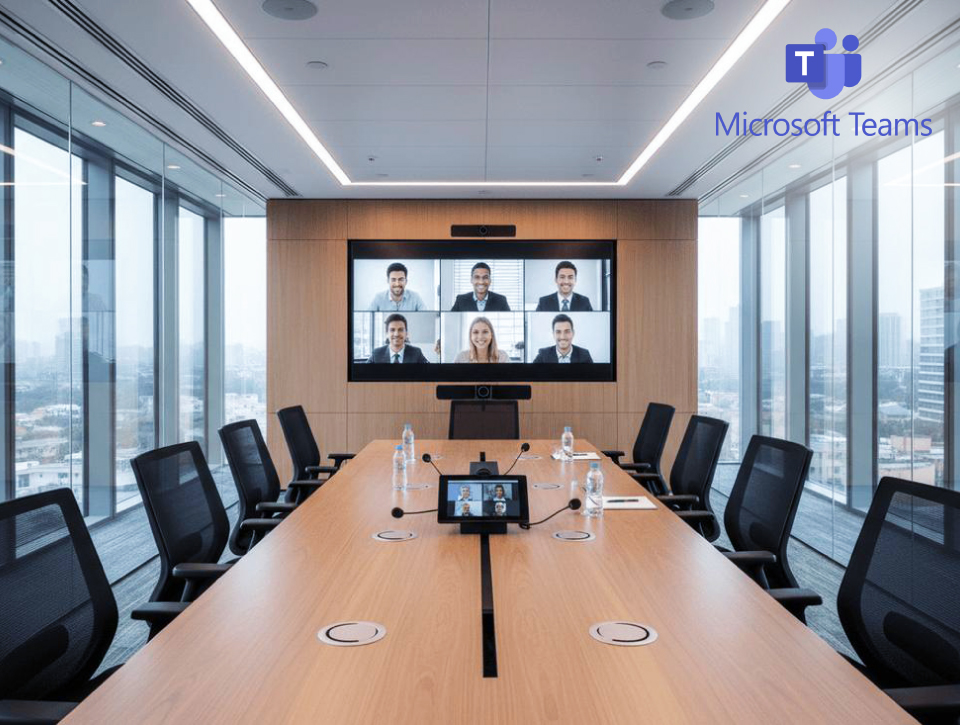

Microsoft Teams Rooms Solutions

Homepage > Unified Communication & Collaboration > Microsoft Teams Rooms Solutions

Unified Communications & Collaboration Solutions

Extending Microsoft Teams Into Every Room

Microsoft Teams is one of the most widely adopted enterprise collaboration platforms in use today, serving as the primary communication and meeting solution for organizations of all sizes. Microsoft’s most recent disclosed figures put Teams at over 320 million monthly active users and more than one million organizations worldwide, including the large majority of enterprises operating in hybrid and distributed work models.

As collaboration increasingly extends beyond individual devices into physical meeting spaces, Microsoft Teams Rooms brings the Microsoft Teams experience directly into conference rooms, boardrooms, and collaboration areas.

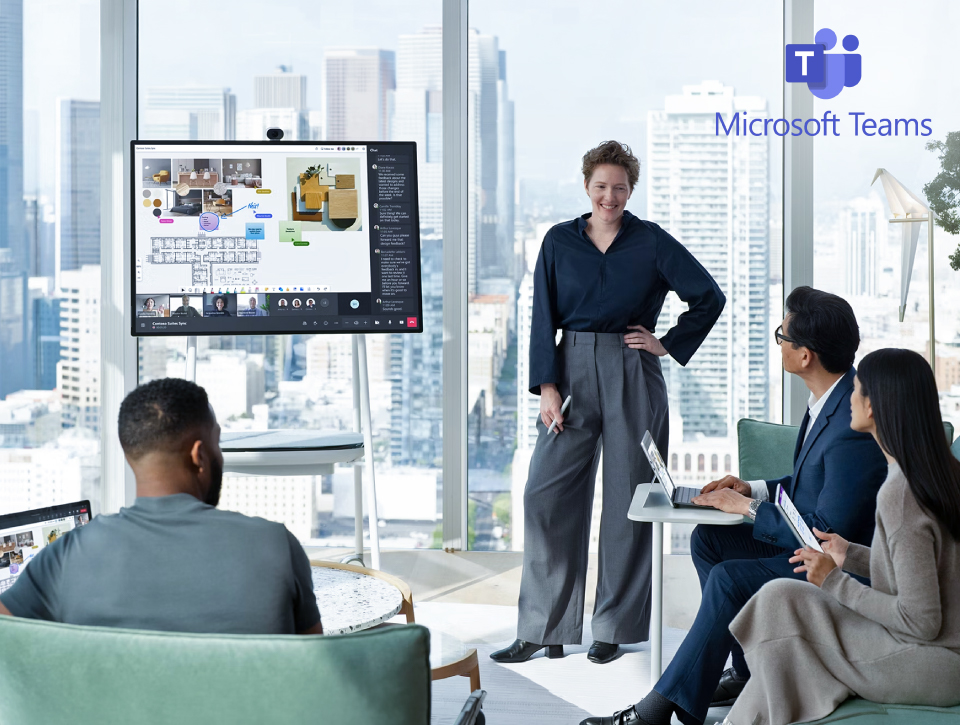
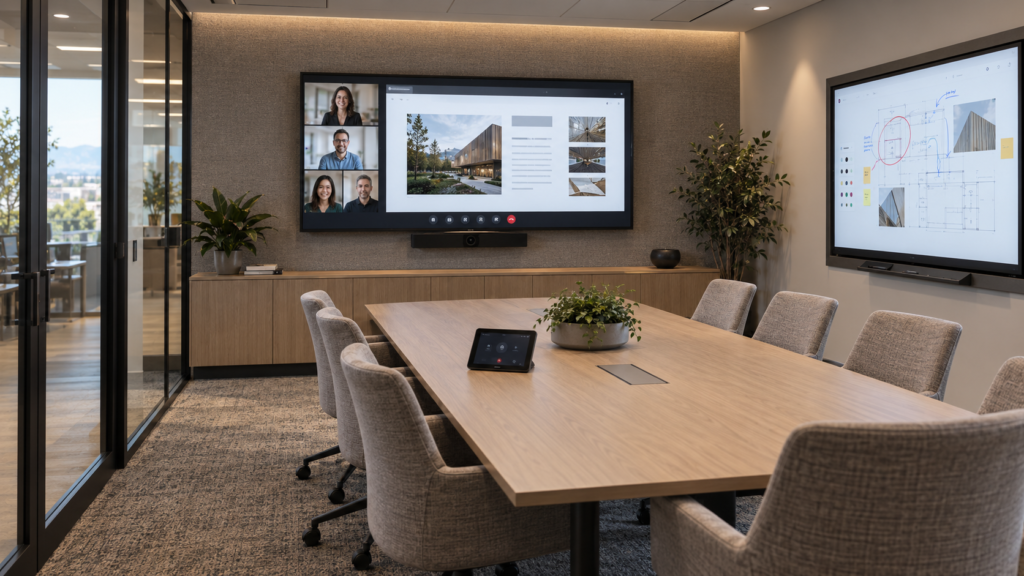
Microsoft Teams Rooms interactive touch display deployment in a modern corporate meeting space by ELTEK.
Integrate Systems

What Is MTR?

Microsoft Teams Rooms (MTR) is Microsoft’s meeting-room solution for extending the Teams experience into physical collaboration spaces. It combines Teams Rooms software with certified compute, room controls, cameras, microphones, speakers, and displays to support video meetings, content sharing, and hybrid collaboration.

Microsoft Teams Rooms can help organizations:

  • Create familiar meeting workflows across different room types
  • Improve collaboration between in-room and remote participants
  • Centralize room monitoring, management, and lifecycle support

ELTEK Integrate designs each Microsoft Teams Rooms environment around room capacity, seating layout, acoustics, camera coverage, display visibility, Microsoft 365 requirements, and IT policies. This ensures every component works together as one reliable room system rather than as a collection of disconnected devices.

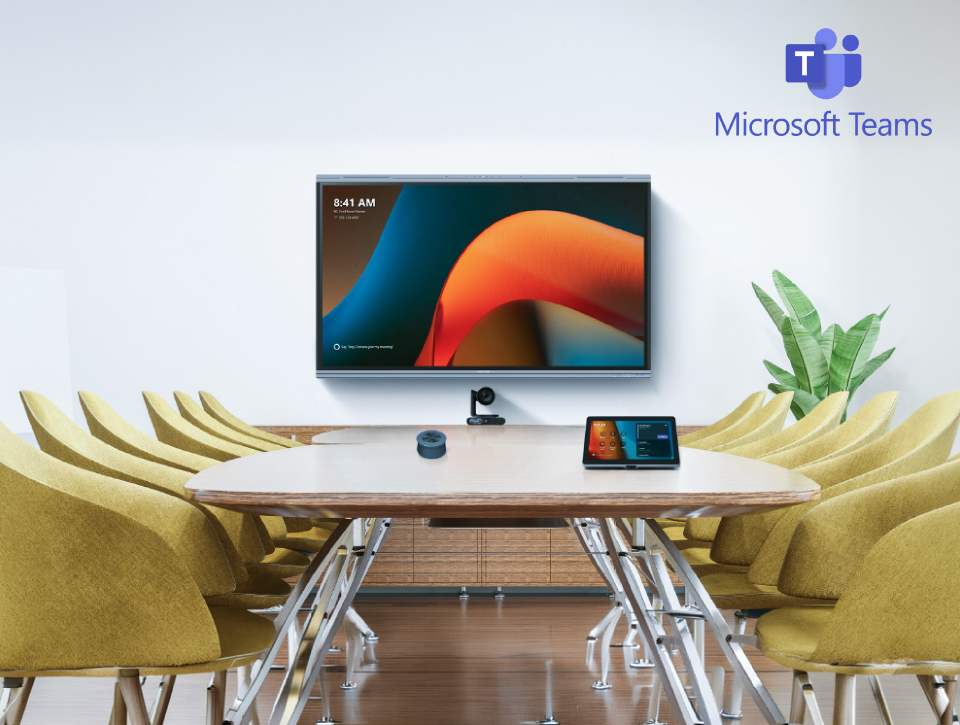
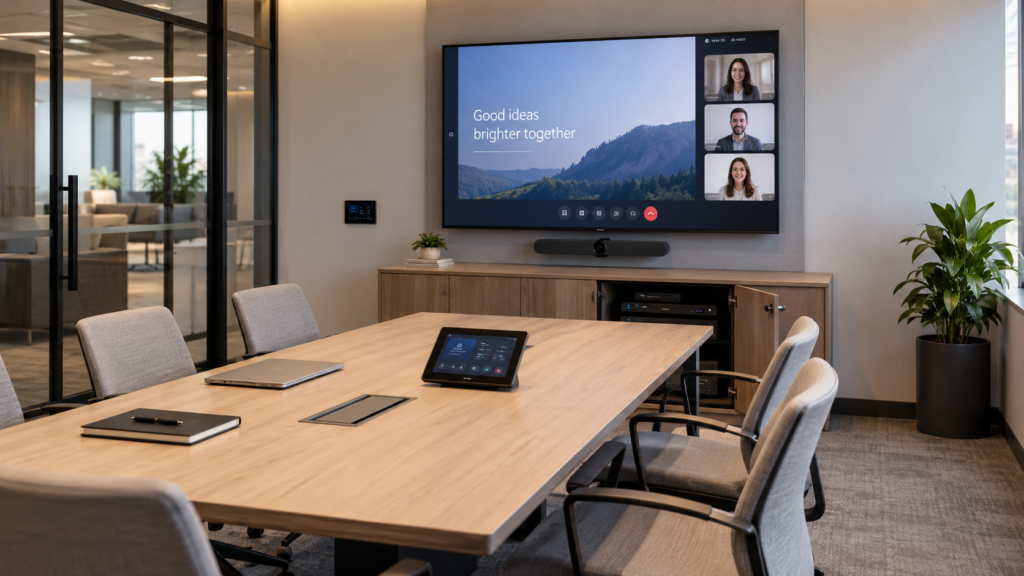
Microsoft Teams Rooms (MTR) hardware setup including certified camera, touch console, and display integrated by ELTEK.
Business Benefits

Why Organizations Choose Microsoft Teams Rooms

Consistent Meeting Experience

Deliver the same Microsoft Teams workflow across meeting rooms, boardrooms, and collaboration spaces, reducing user confusion and improving adoption.

Simplified Room Operations

Enable one-touch meeting join, wireless content sharing, and intuitive room controls that minimize meeting delays and technical barriers.

Better Hybrid Collaboration

Support effective communication between remote and in-room participants through integrated audio, video, and content-sharing technologies.

Centralized Management

Monitor room performance, manage devices, and streamline updates through Microsoft Teams Admin Center and Microsoft 365 tools.

Technologies That Power Microsoft Teams Rooms

A reliable Microsoft Teams Rooms deployment depends on the correct selection and integration of certified components.

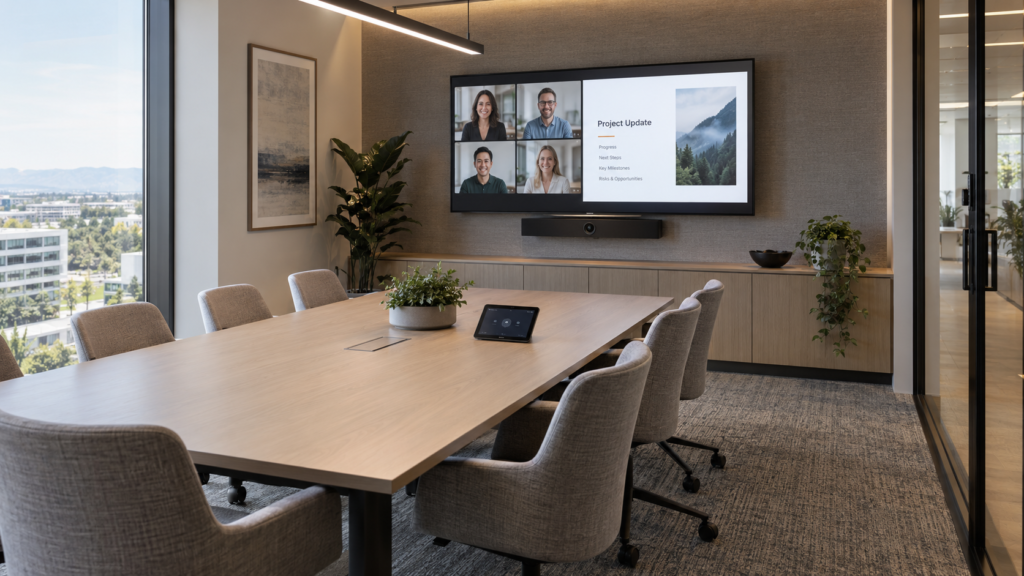
Microsoft Teams Rooms video bar and conference camera setup integrated in a modern meeting space by ELTEK.

Certified conference cameras and video bars capture participants clearly across different room sizes and meeting formats.

Technologies may include:

  • Video Bars
  • Conference Cameras
  • Speaker Tracking Cameras
  • Multi-Camera Systems
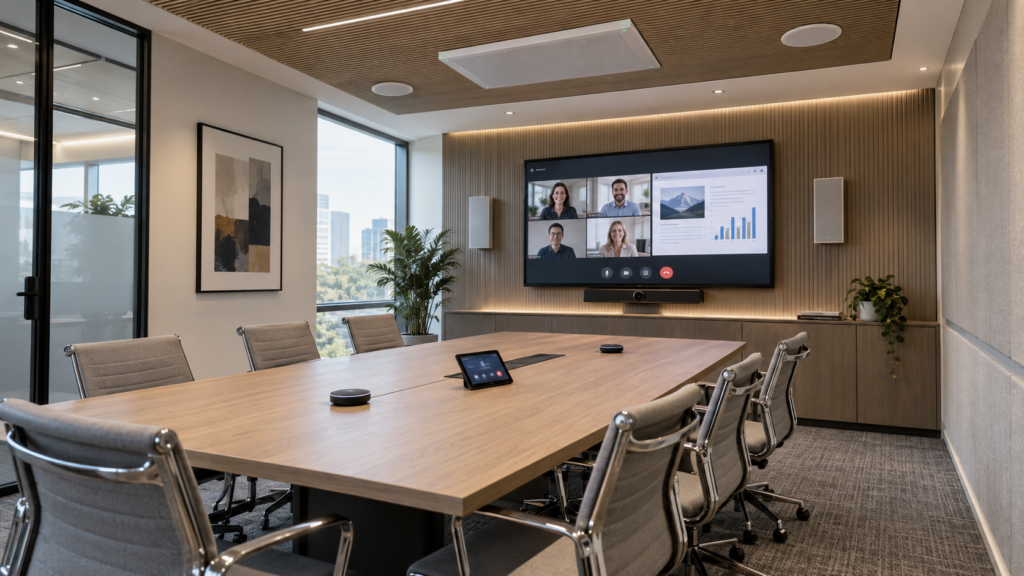
Microsoft Teams Rooms ceiling microphone array and professional meeting audio system integrated by ELTEK.

Professional microphones, speakers, and digital signal processing technologies help ensure every participant can hear and be heard clearly.

Technologies may include:
  • Table Microphones
  • Ceiling Microphones
  • Beamforming Microphones
  • Professional Loudspeakers
  • DSP Platforms
Microsoft Teams Rooms dual display setup featuring interactive touch whiteboard and professional LCD display integrated by ELTEK.

Display technologies support video conferencing, content sharing, and interactive collaboration.

Technologies may include:
  • Professional LCD Displays
  • LED Displays
  • Interactive Displays
  • Collaboration Boards
Microsoft Teams Rooms touch controller and dedicated compute device setup integrated by ELTEK.

Dedicated Teams Rooms devices enable meeting management, content sharing, and room operation.

Technologies may include:
  • Teams Room Compute Devices
  • Touch Controllers
  • Control Systems
  • User Interfaces
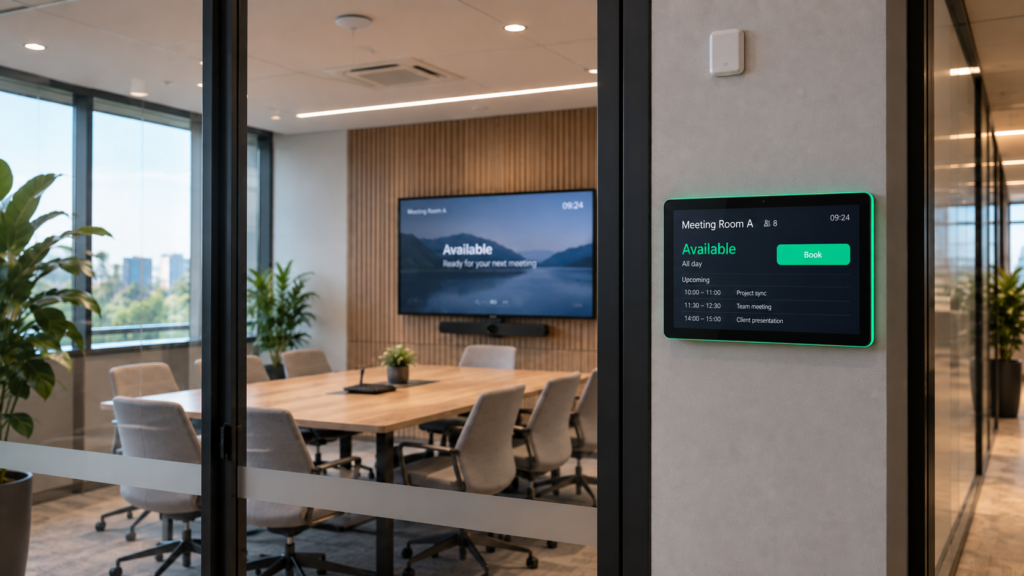
Microsoft Teams Rooms scheduling panel display and room booking system installed by ELTEK.

Meeting room management technologies improve room utilization and workplace visibility.

Technologies may include:
  • Room Booking Panels
  • Occupancy Sensors
  • Environmental Sensors
  • Workspace Analytics Tools
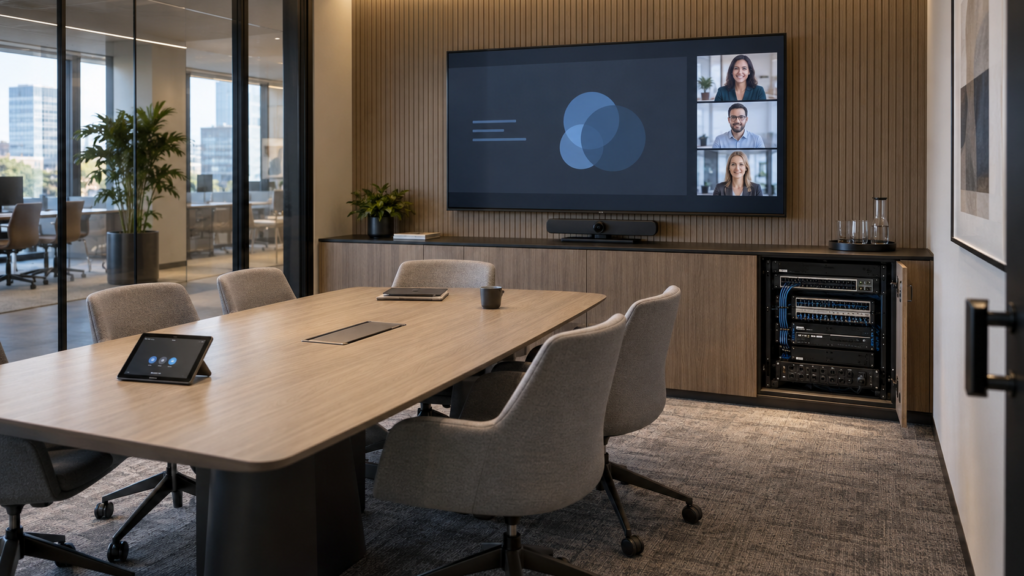
AV rack cabinet integration and network infrastructure for Microsoft Teams Rooms by ELTEK.

Supporting technologies ensure reliable communication, connectivity, and long-term scalability.

Technologies may include:
  • Network Infrastructure
  • Structured Cabling
  • AV-over-IP Technologies
  • Rack Systems
  • Power Management
Technology Partners

Collaborating With Industry-Leading Technology Manufacturers

End-to-end Microsoft Teams Rooms AV system design and IT integration by ELTEK.
AV/IT System Integration

End-to-End Solutions Design by ELTEK Integrate

ELTEK Integrate acts as a single point of responsibility for Microsoft Teams Rooms projects, ensuring technical consistency and long-term reliability.

Our approach includes:

  • functional and technical assessment of collaboration spaces
  • Microsoft Teams Rooms solution design aligned with usage scenarios
  • integration with existing IT and audio-video infrastructure
  • installation, configuration, and system validation
  • user guidance and operational documentation
  • ongoing support and maintenance services
Microsoft Teams

Typical Use Environments

Microsoft Teams Rooms can be implemented across a wide range of collaboration spaces, including:

Frequently Asked Questions

Microsoft Teams Rooms FAQs

What is Microsoft Teams Rooms?

Microsoft Teams Rooms extends Microsoft Teams into physical meeting and collaboration spaces through certified hardware, dedicated room controls, and integration with Microsoft 365. It enables users to join meetings, share content, and collaborate through a consistent in-room experience.

A Microsoft Teams Room typically includes certified compute devices, touch controllers, conferencing cameras, microphones, speakers, and professional displays. The exact configuration depends on room size, user requirements, and collaboration workflows.

Yes. Microsoft Teams Rooms can participate in meetings hosted on other collaboration platforms through native interoperability capabilities and approved cross-platform meeting experiences, depending on the deployment configuration.

In many cases, existing meeting rooms can be modernized by integrating Microsoft Teams Rooms-certified technologies while reusing compatible displays, audio systems, or infrastructure where appropriate.

Microsoft Teams Rooms devices can be monitored and managed through Microsoft Teams Admin Center and Microsoft 365 management tools, enabling centralized administration, updates, and performance monitoring across multiple locations.

Need Additional Information?

If you require additional technical details or project‑specific information, our team is available to provide clarification and guidance.

Our number
+40 21 200 64 55
Contact

Let’s Discuss Your Technology Requirements

Insights & Articles

Insights On Modern Collaboration

Is your AV a cybersecurity risk? NIS2 for meeting and control rooms

Is your AV a cybersecurity risk? NIS2 for meeting and control rooms

Every camera, codec and video wall controller on your network is an IT asset. Under NIS2, it is treated like one.
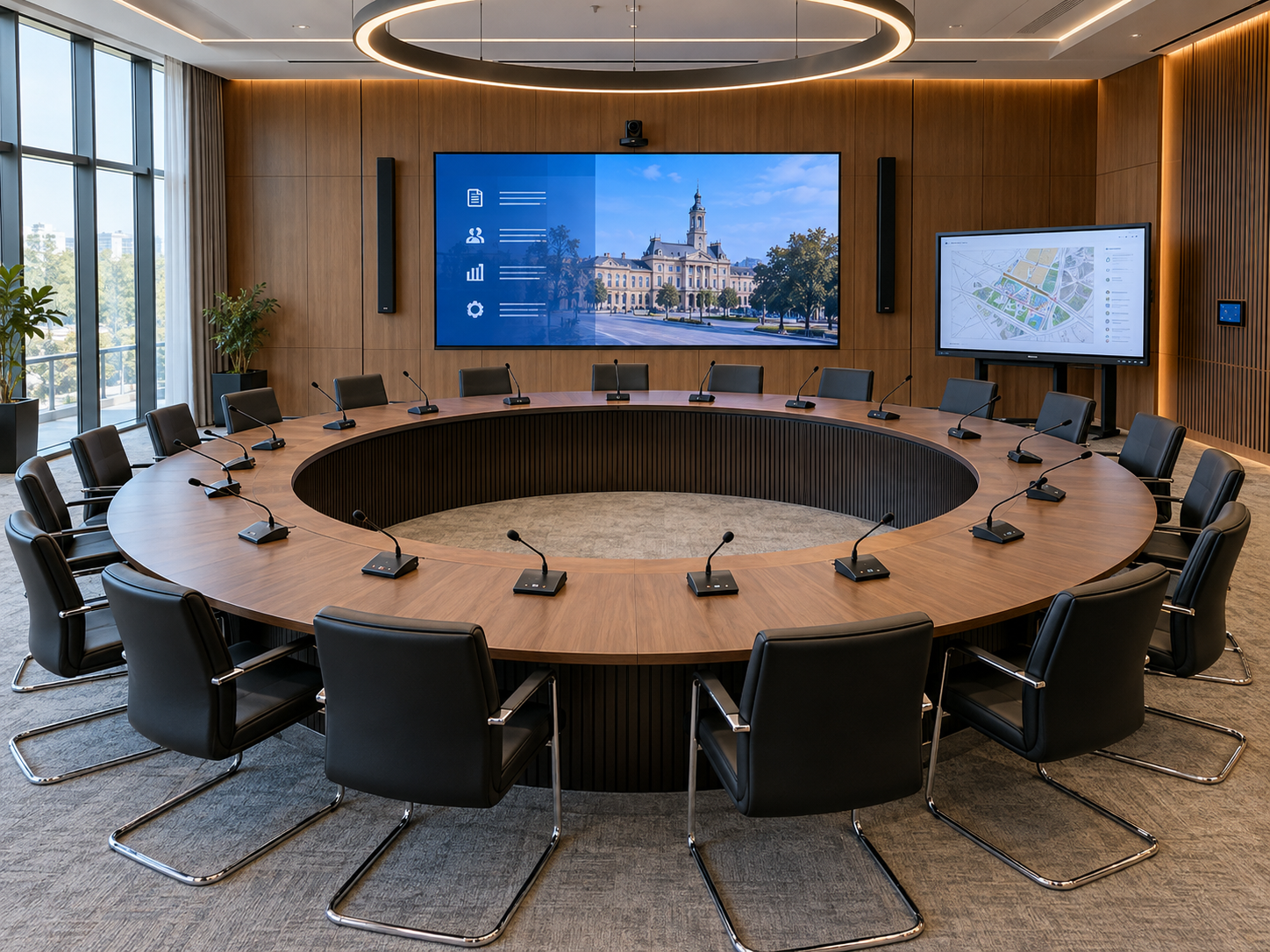
Conference systems for council chambers: a planning guide

Conference systems for council chambers: a planning guide

Every word on the record, every vote counted, every citizen able to follow.
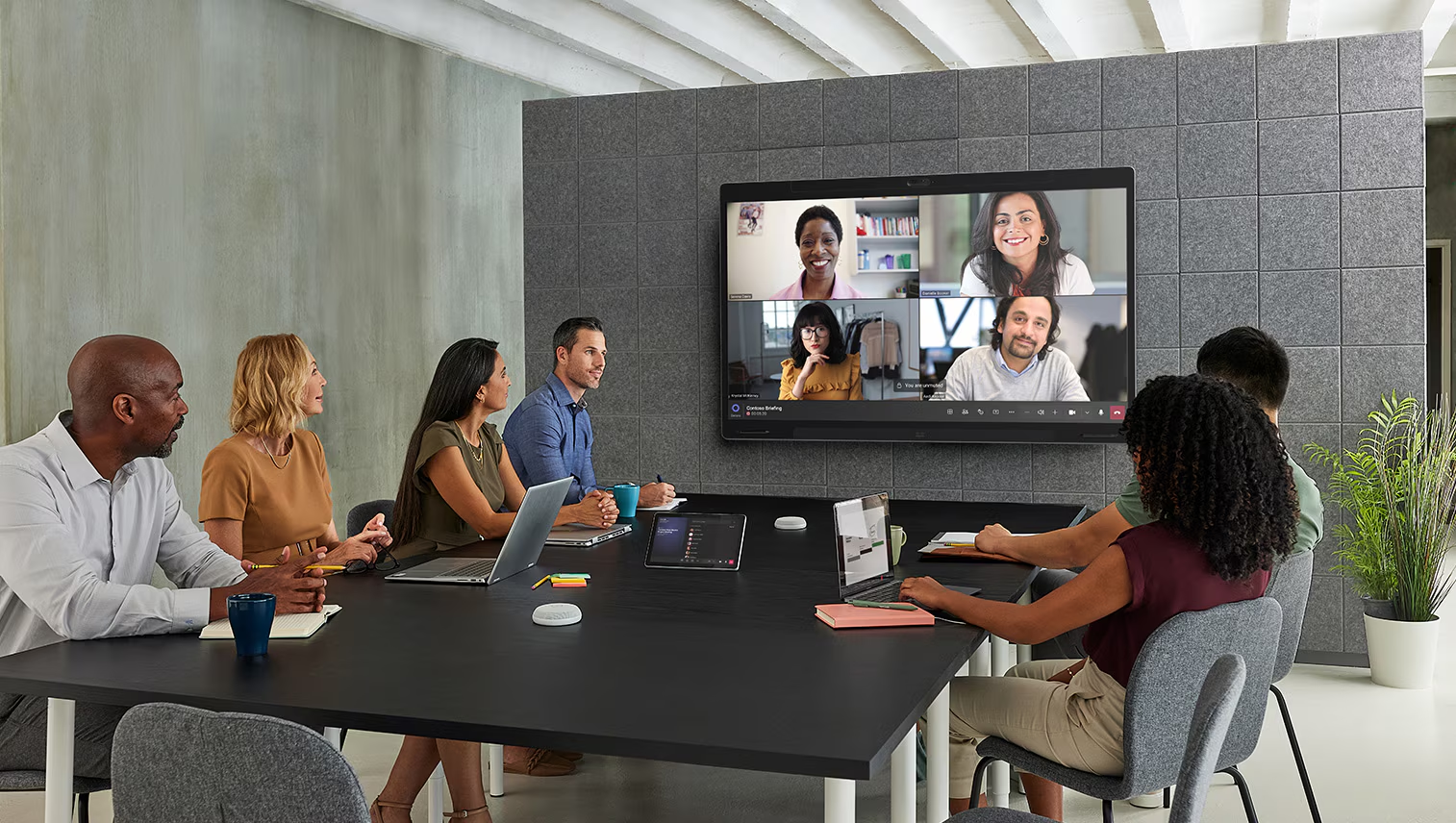
Why meeting rooms fail users: a 10-point technology checklist

Why meeting rooms fail users: a 10-point technology checklist

Most room failures start at the design stage.

Be the First to Know — Subscribe Today!

Stay up to date with the latest insights, industry trends, company news, upcoming events, and valuable resources delivered directly to your inbox.

 LinkedIn | Youtube | Facebook | InstagramÂ