




















































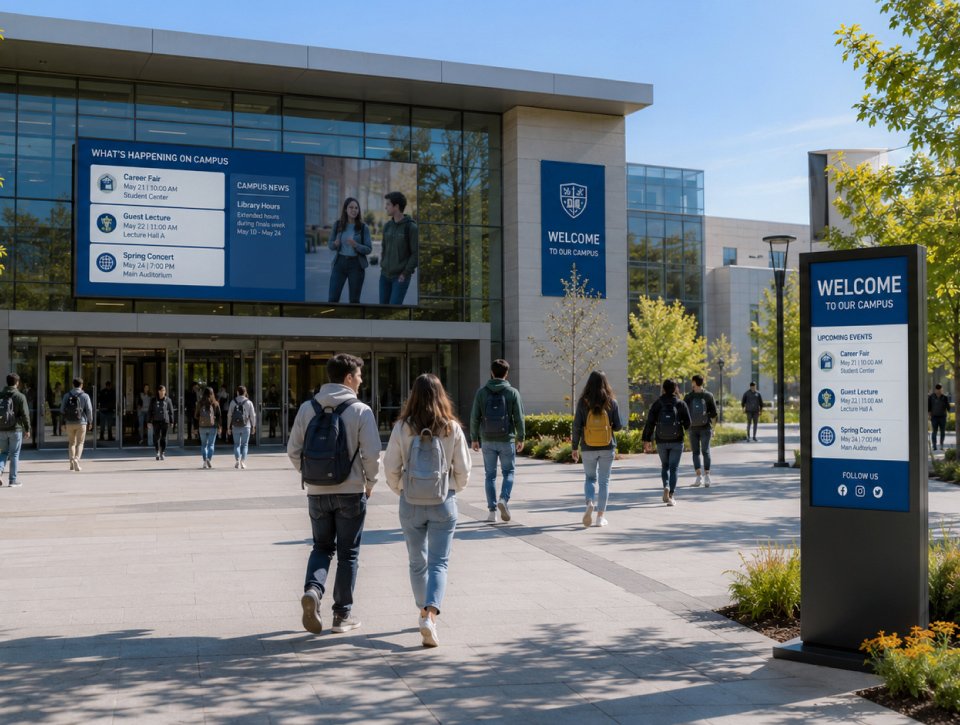
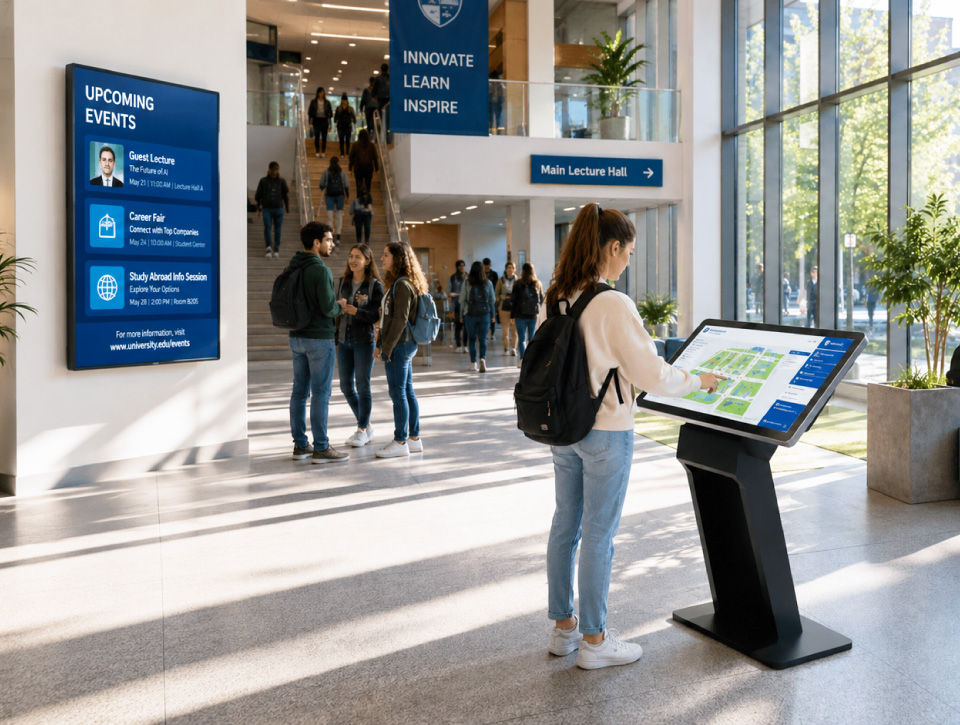

Campus Digital Signage
Homepage > Education Technology Solutions > Campus Digital Signage
Education Technology Solutions
Campus Digital Signage for Connected Communication
Educational institutions communicate with thousands of students, educators, staff, and visitors every day. Delivering timely information across multiple buildings, departments, and campuses requires communication channels that are flexible, centralized, and easy to manage. The challenge becomes even greater when information must be updated quickly and consistently.
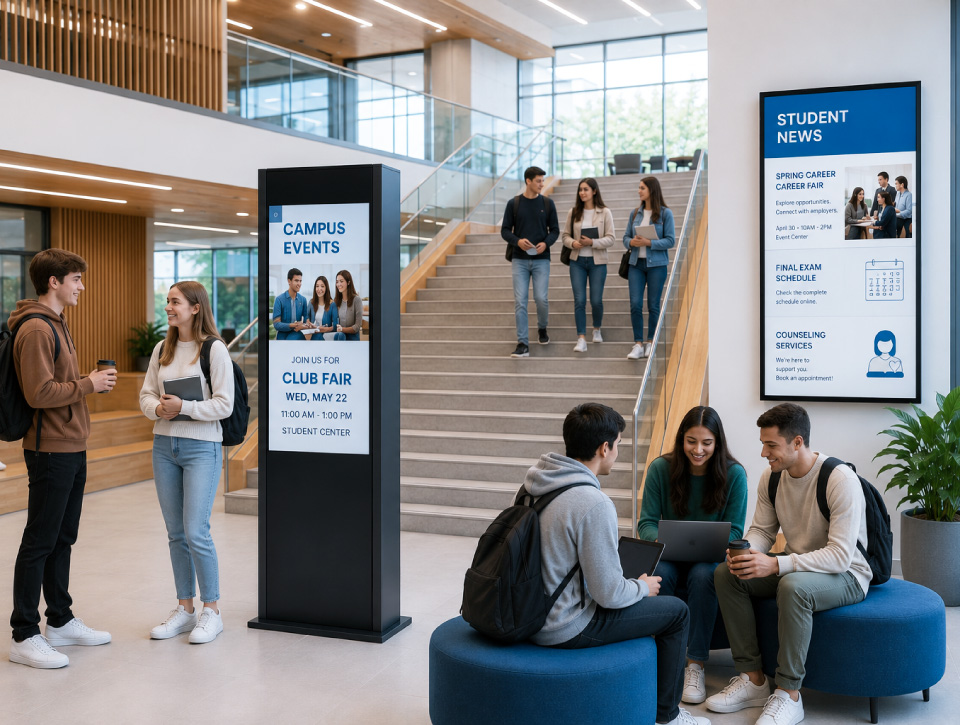
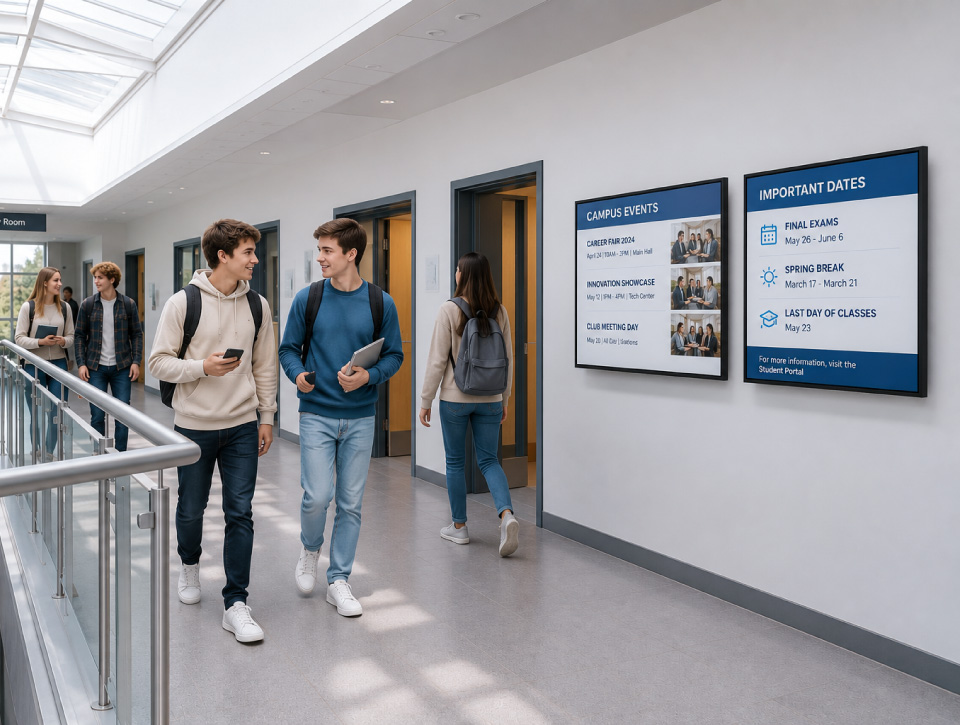
Digital signage provides institutions with an efficient way to distribute announcements, academic information, events, schedules, alerts, and wayfinding content throughout the learning environment while maintaining message consistency. It also helps increase the visibility of information that might otherwise be overlooked.
Integrate Systems
What is Campus Digital Signage?
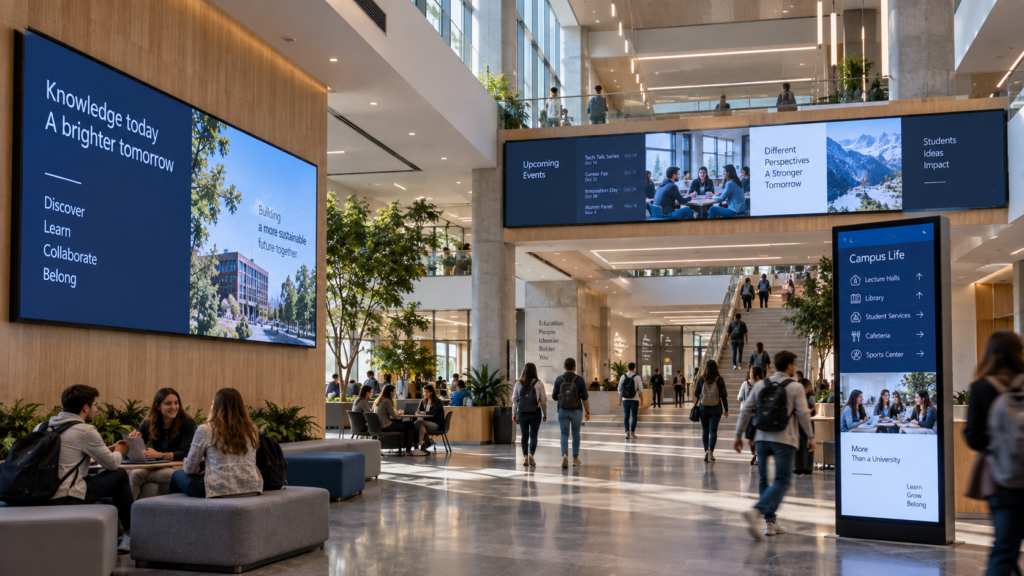
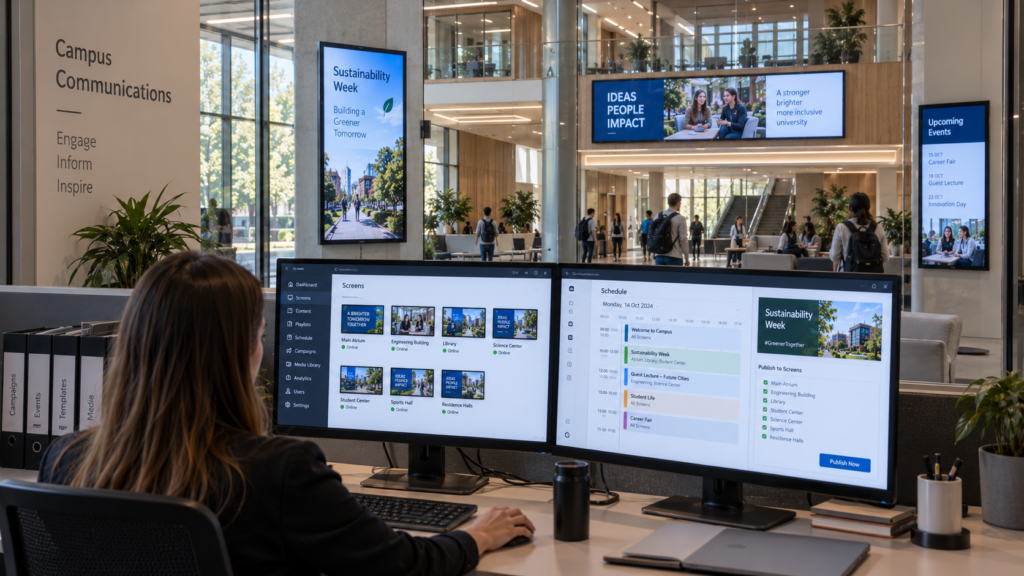
Campus digital signage is a network of connected displays and content management platforms used to distribute information across educational facilities from a centralized administration environment.
- Improve communication across campus
- Deliver real-time information updates
- Simplify content management
Communication Benefits
Why Educational Institutions Choose Campus Digital Signage
Faster Information Delivery
Distribute announcements, schedules, events, and operational updates across the campus in real time.
Improved Campus Navigation
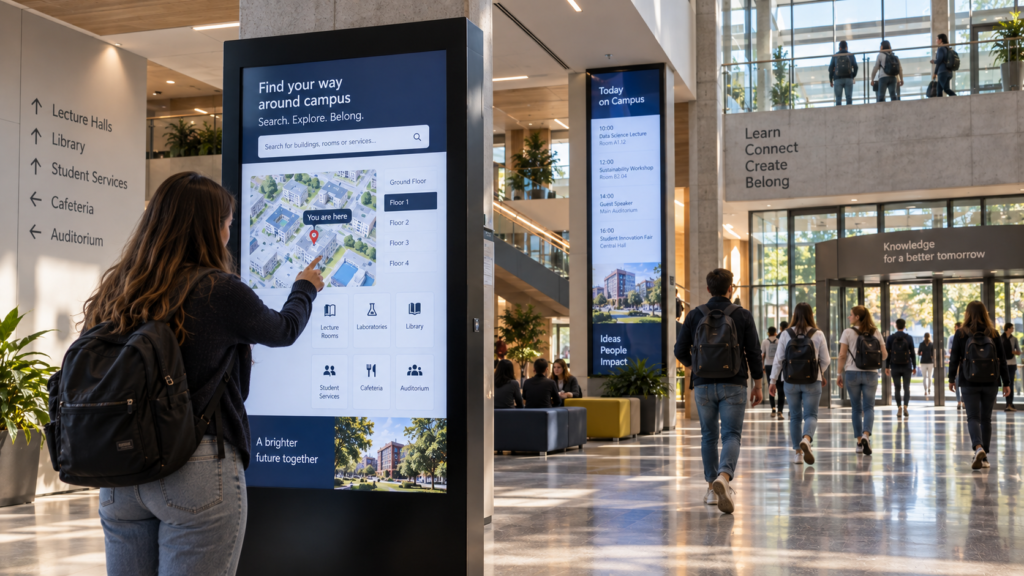
Support students, staff, and visitors through digital wayfinding, directories, and location-based information.
Centralized Content Management
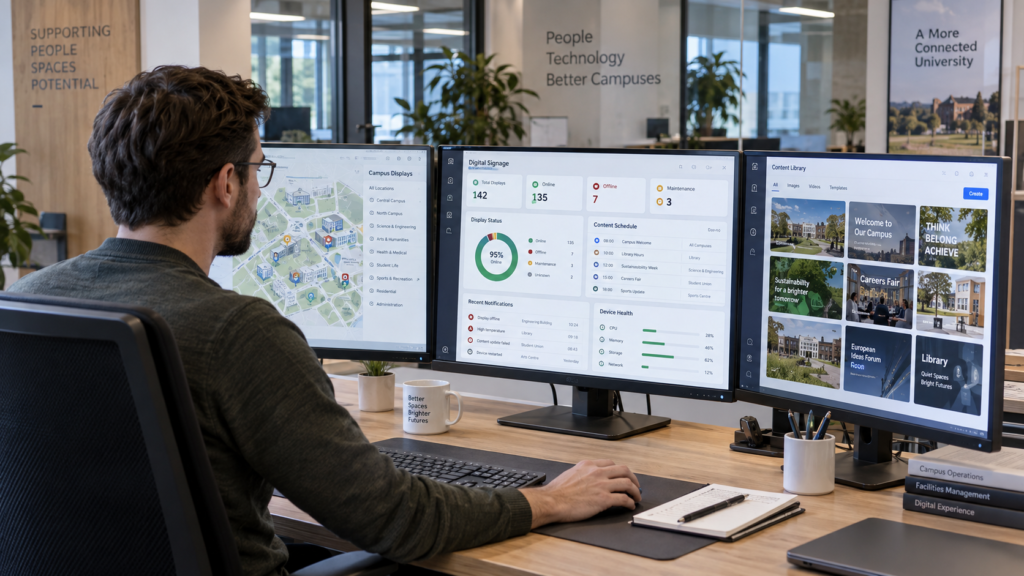
Manage content across one building or multiple campuses through a single administration platform.
Enhanced Campus Engagement
Promote academic initiatives, student activities, events, services, and institutional communications through dynamic digital content.
Technologies That Power Campus Communication Networks
Campus digital signage environments combine display technologies, content management platforms, communication tools, and supporting infrastructure to deliver reliable information across educational environments.
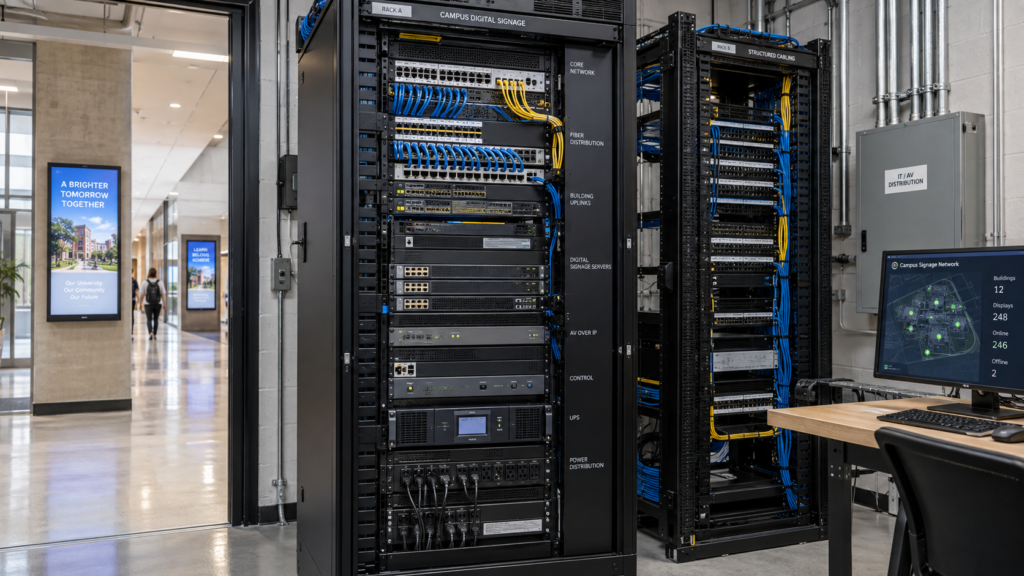
Supporting infrastructure enables reliable connectivity, scalability, and long-term operation.
- Mounting Systems
- Network & IT Integration
- Connectivity Infrastructure
- Power Distribution
Content platforms allow institutions to create, manage, schedule, and distribute information across the signage network.
- Content Management Systems
- Media Players
- Content Scheduling Platforms
- Playlist Management Tools
Navigation technologies help students, visitors, and staff locate buildings, rooms, departments, and campus resources.
- Digital Directories
- Interactive Wayfinding
- Campus Maps
- Navigation Systems
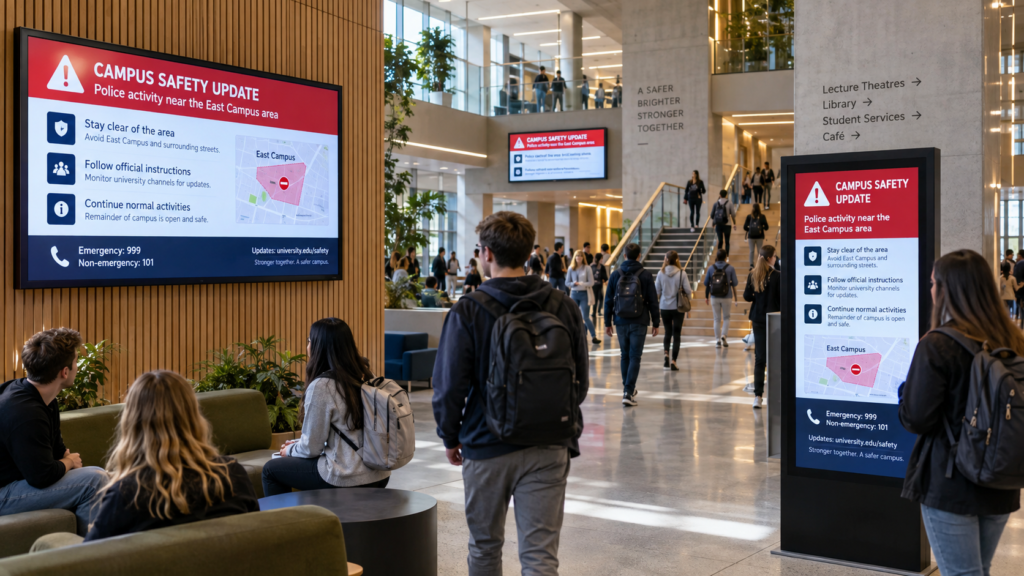
Communication tools help institutions distribute important information quickly and consistently.
- Emergency Messaging Integration
- Alert Systems
- Public Information Displays
- Announcement Platforms
Administrative technologies help maintain visibility and control across the signage environment.
- Device Management Platforms
- Monitoring Tools
- User Permissions
- Content Approval Workflows
Administrative technologies help maintain visibility and control across the signage environment.
- Device Management Platforms
- Monitoring Tools
- User Permissions
- Content Approval Workflows
Technology Partners
Collaborating With Industry-Leading Technology Manufacturers


AV/IT System Integration
End-to-End Solutions Design by ELTEK Integrate
ELTEK Integrate manages campus digital signage projects end to end, aligning AV, IT, display locations, content workflows, network infrastructure, mounting, safety, and user experience.
Our approach includes:
- site assessment and technical planning
- signage strategy based on buildings, audiences, and communication needs
- display, media player, and content management platform selection
- integration of indoor displays, outdoor displays, kiosks, LED, mounting, and connectivity
- network, power, cable routing, safety, and service access planning
- content zones, playlists, scheduling, permissions, and approval workflow configuration
- wayfinding, emergency messaging, or audio integration where required
- installation, testing, user guidance, and ongoing support
Value & Differentiation
Why Campus Digital Signage Design Matters
Campus digital signage is not only about placing screens in hallways. It depends on the full communication ecosystem: content workflows, display visibility, network reliability, mounting safety, user permissions, and emergency procedures, all working together.
Get it wrong and signage networks become inconsistent, outdated, and poorly visible — screens showing last month’s announcement because nobody could figure out how to update them. Get it right, and campus signage becomes a genuinely fast, reliable way to communicate, guide visitors, and keep an entire institution informed at once.
That’s the gap ELTEK Integrate closes: bringing AV design, IT integration, education technology expertise, and long-term support together so campus signage stays current, visible, and actually useful, not just an expensive screen nobody maintains.
Campus Digital Signage
Typical Use Cases
Campus digital signage can support a wide range of education communication scenarios:
Announcements & Updates
Daily communication for institutional news, schedules, academic information, and operational updates.
Campus Wayfinding
Digital maps, directories, room information, and navigation support for students, staff, parents, and visitors.
Event Promotion
Promotion of academic events, school activities, conferences, open days, lectures, and student programs.
Emergency Alerts
Urgent communication for safety instructions, operational incidents, evacuation notices, and campus alerts.
Reception & Visitor Information
Professional information points for welcome messages, directions, schedules, and institutional branding.
Student Services Communication
Useful displays for student support services, deadlines, administrative notices, and campus resources.
Cafeteria & Common Areas
High-traffic screens for menus, schedules, announcements, community content, and daily information.
Multi-Campus Communication
Centralized content distribution across multiple buildings, faculties, branches, or education campuses.
Frequently Asked Questions
Campus Digital Signage FAQs
What is campus digital signage?
Campus digital signage is a network of digital displays and content management platforms that enables schools, universities, and training centers to communicate information centrally across one or more buildings and campuses.
What information can be displayed on campus signage?
Campus signage can support announcements, schedules, event promotions, emergency alerts, wayfinding information, student services communication, academic updates, and institutional messaging.
Can digital signage be managed centrally?
Yes. Modern signage platforms allow authorized users to create, schedule, approve, and distribute content across individual displays, buildings, departments, or entire campuses from a centralized administration platform.
Can campus signage support emergency communication?
Yes. Digital signage can be integrated with emergency notification workflows to distribute urgent messages, safety instructions, operational alerts, and evacuation information across selected displays.
What types of displays can be used in campus signage networks?
Campus signage deployments may include indoor displays, outdoor displays, LED displays, interactive kiosks, information screens, and wayfinding solutions depending on communication objectives and installation requirements
Need Additional Information?
If you require additional technical details or project‑specific information, our team is available to provide clarification and guidance.
Our number
+40 21 200 64 55
Our Email
Contact
Let’s Discuss Your Technology Requirements
Insights & Articles
Insights On Modern Education Technology
Is your AV a cybersecurity risk? NIS2 for meeting and control rooms
Every camera, codec and video wall controller on your network is an IT asset. Under NIS2, it is treated like one.
Conference systems for council chambers: a planning guide
Every word on the record, every vote counted, every citizen able to follow.

Why meeting rooms fail users: a 10-point technology checklist
Most room failures start at the design stage.
Be the First to Know — Subscribe Today!
Stay up to date with the latest insights, industry trends, company news, upcoming events, and valuable resources delivered directly to your inbox.
 LinkedIn | Youtube | Facebook | InstagramÂ