























































Interactive Displays for Education

Homepage > Education Technology Solutions > Interactive Displays for Education

Education Technology Solutions

Interactive Displays for More Engaging Learning Experiences

Modern learning environments increasingly rely on visual content, real-time collaboration, and active participation to improve engagement. Educators need technologies that help present information clearly while encouraging interaction between instructors, students, and learning materials.

As teaching methods continue to evolve, interactive technologies have moved beyond simple presentation tools and become central components of modern classroom design. Well-planned deployments help institutions create more dynamic and collaborative learning experiences

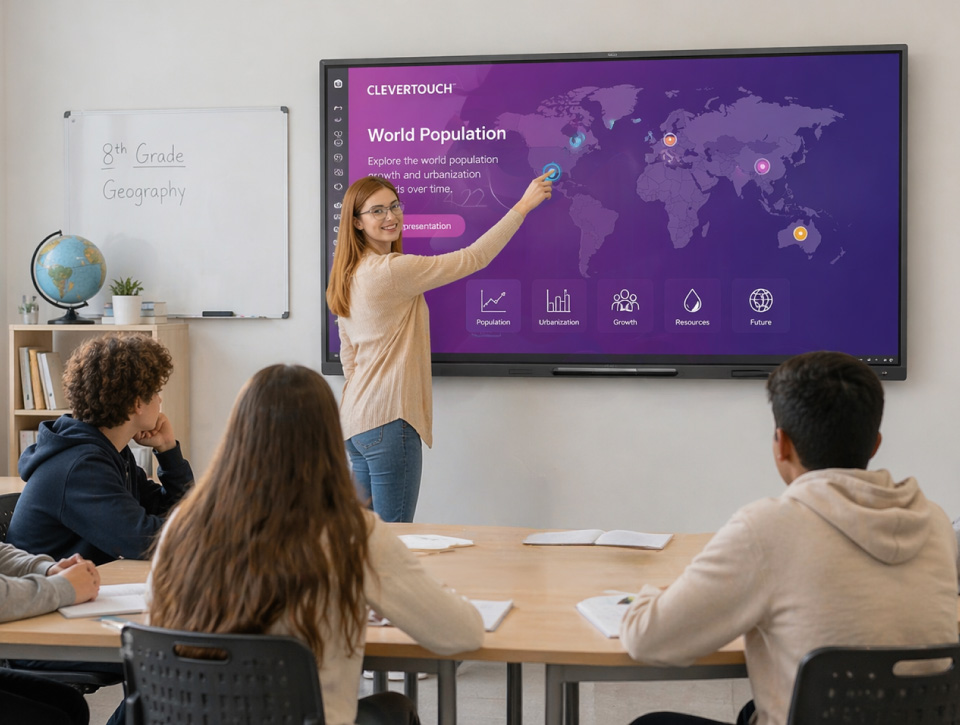
Teacher interacting with Clevertouch interactive flat panel display in a modern classroom integrated by ELTEK.
Integrate Systems

What are Interactive Displays?

Interactive displays are professional touchscreen systems that combine presentation, annotation, whiteboarding, collaboration, and content-sharing capabilities within a single learning platform.

Interactive displays can help institutions:
  • Increase classroom participation
  • Support collaborative learning activities
  • Simplify digital lesson delivery
 
ELTEK Integrate designs interactive display environments that align classroom workflows, learning objectives, collaboration requirements, and supporting AV technologies into connected learning spaces.
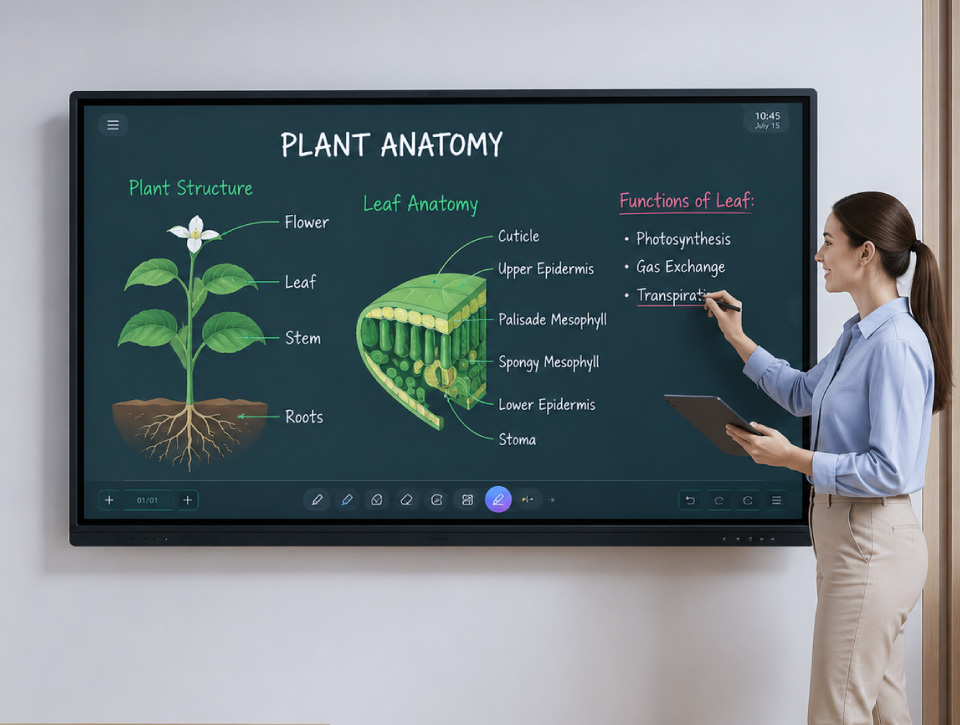
Teacher using digital stylus on interactive touchscreen display for lesson annotation integrated by ELTEK.
Learning Benefits

Why Educational Institutions Choose Interactive Displays

More Engaging Lessons

Encourage participation through annotation, digital whiteboarding, multimedia content, and interactive teaching methods.

Better Collaboration

Allow teachers and students to share content, solve problems together, and contribute directly during lessons and workshops.

Support for Hybrid Learning

Connect in-room and remote participants through integrated collaboration, content sharing, and communication tools.

Simplified Classroom Technology

Replace multiple standalone tools with a single platform that combines presentation, interaction, and collaboration capabilities.

Technologies That Power Interactive Learning Environments

Interactive display solutions extend beyond the display itself. Effective learning environments combine visual collaboration, content sharing, classroom AV technologies, and supporting IT infrastructure to create engaging and reliable learning experiences.

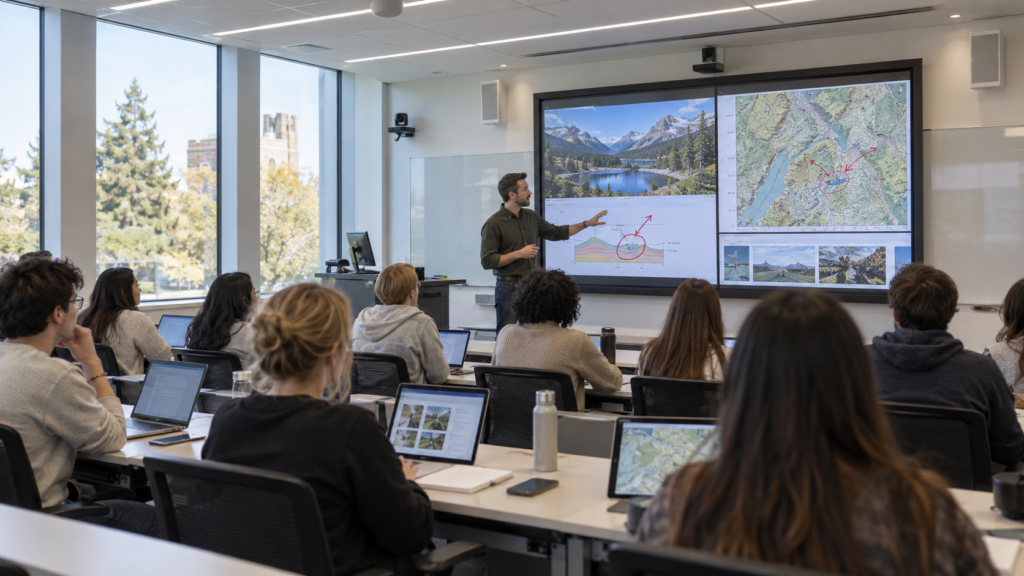
Large interactive display system in university lecture hall with instructor annotating content integrated by ELTEK.

Professional touch displays provide the foundation for annotation, digital whiteboarding, classroom presentation, and collaborative learning.

Technologies may include:
  • Interactive Displays
  • Touch & Writing Tools
  • Collaboration Software
Dual interactive screen setup for wireless content sharing and student device collaboration integrated by ELTEK.

Content sharing technologies help educators and learners contribute information from multiple devices and learning platforms.

Technologies may include:
  • Wireless Content Sharing
  • Device Connectivity
  • Collaboration Applications
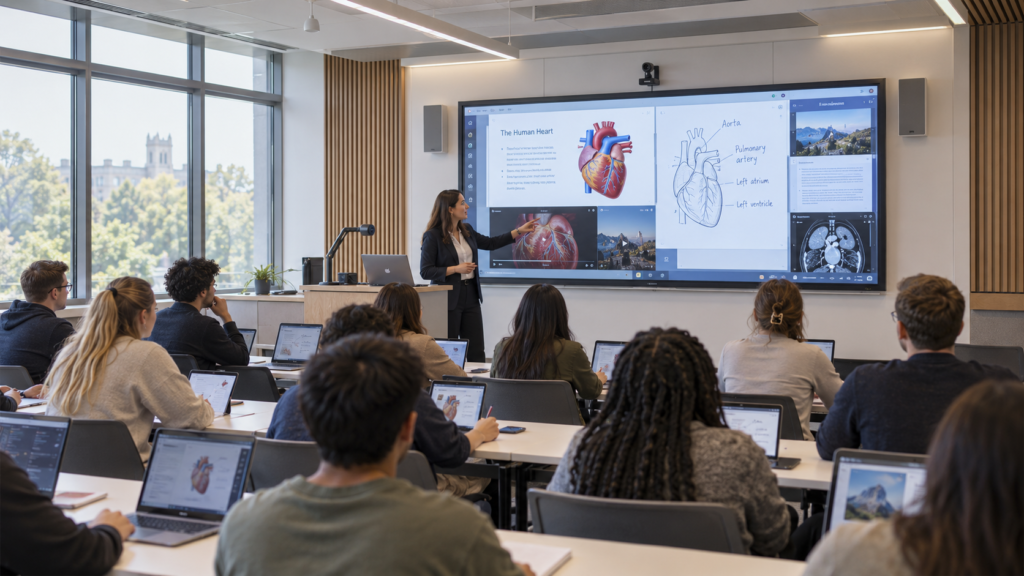
Hybrid learning interactive display with video conferencing grid and classroom camera integration by ELTEK.

Integrated communication technologies support hybrid teaching, remote participation, and distance learning workflows.

Technologies may include:
  • Video Conferencing Integration
  • Cameras
  • Microphones
  • Speakers
Instructional resources and educational software interface on interactive flat panel display integrated by ELTEK.

Additional education technologies help instructors present physical and digital materials more effectively.

Technologies may include:
  • Document Cameras
  • Visualizers
  • Presentation Tools
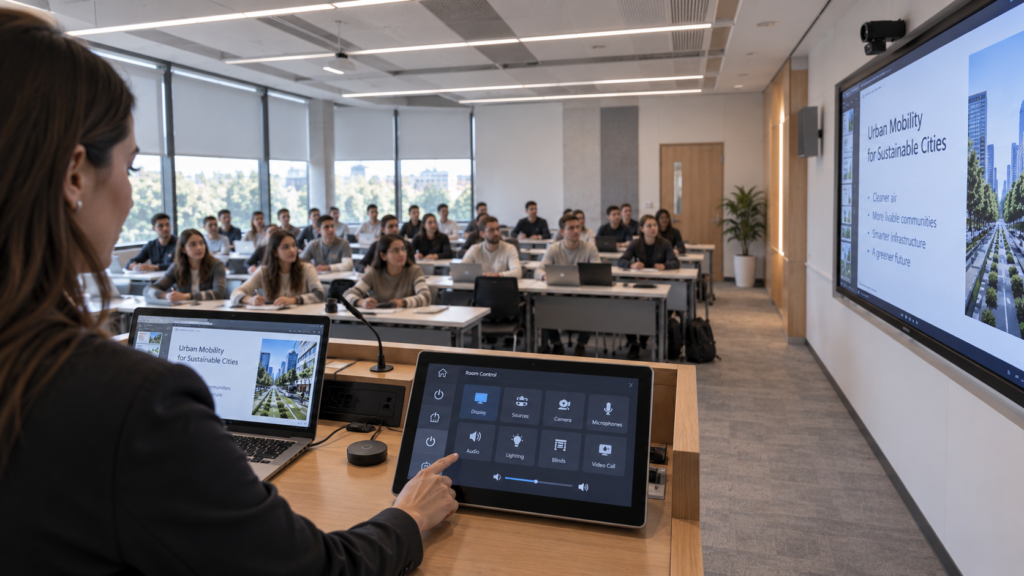
Classroom AV control panel and central display management interface integrated by ELTEK.

Control and management technologies simplify classroom operation while improving visibility for IT teams.

Technologies may include:
  • Classroom Control Interfaces
  • Device Management Platforms
  • Monitoring Tools
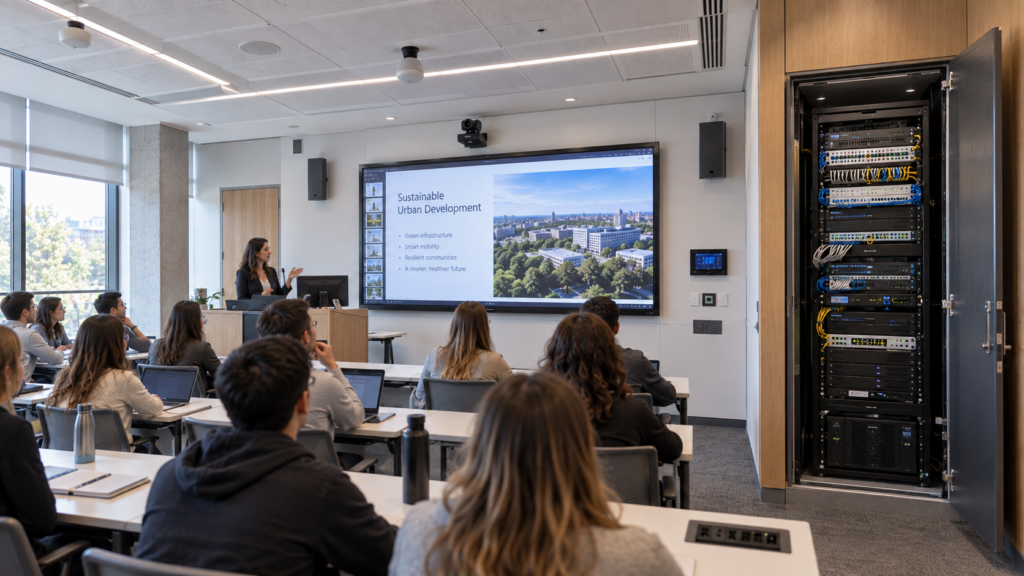
Classroom AV cabling, mount structure, and network IT infrastructure for interactive display integrated by ELTEK.

Supporting infrastructure provides reliable performance, connectivity, and long-term scalability.

Technologies may include:
  • Mounting Systems
  • Connectivity & Signal Distribution
  • Network & IT Integration
Technology Partners

Collaborating With Industry-Leading Technology Manufacturers

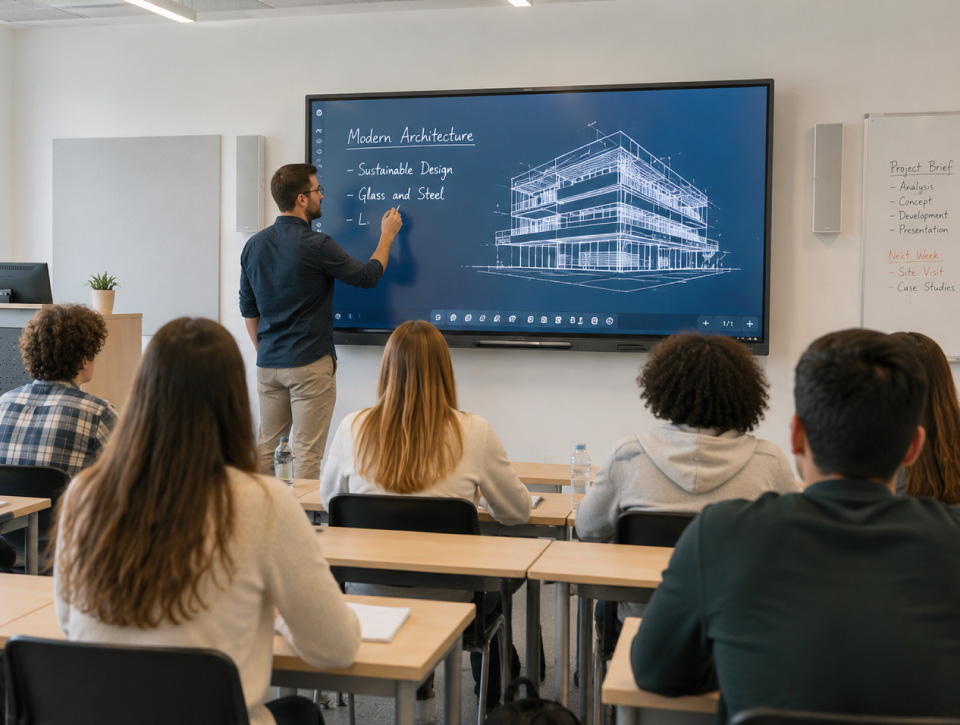
End-to-end interactive display system design with CAD architectural drawing annotation integrated by ELTEK.
AV/IT System Integration

End-to-End Solutions Design by ELTEK Integrate

ELTEK Integrate manages interactive display projects end to end, aligning AV, IT, room layout, teaching workflows, connectivity, mounting, control, and user experience.

Our approach includes:

  • classroom assessment and technical planning
  • display selection based on room size and teaching workflow
  • platform and software ecosystem alignment
  • integration of interactive displays, cameras, microphones, speakers, document cameras, and wireless sharing
  • mounting, connectivity, network, power, and cable management planning
  • classroom control and device management configuration
  • installation, testing, user guidance, and ongoing support
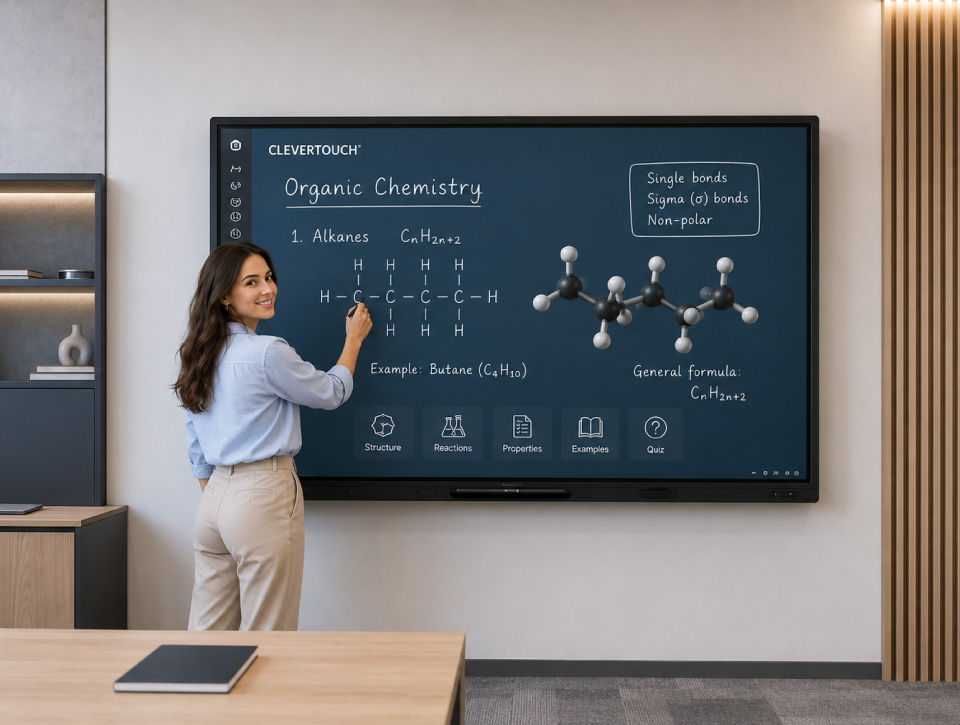
Chemistry teacher explaining molecular formulas on a Clevertouch interactive display integrated by ELTEK.
Value & Differentiation

Why Interactive Display Design Matters

An interactive display is not only a touchscreen mounted on a wall. Its value depends on the full learning environment around it: room layout, visibility, audio, connectivity, software workflow, and the support that keeps it running.

Get it wrong and interactive displays become underused — sitting idle because teachers face confusing controls, weak connectivity, poor visibility, or no training on how to actually use them. Get it right, and the display becomes a genuinely central tool for active teaching, hybrid learning, and student engagement that teachers reach for every single lesson.

That’s the gap ELTEK Integrate closes: bringing AV design, IT integration, education technology expertise, and long-term support together so interactive displays get used the way they were actually designed to be, not left as an expensive screen nobody quite knows how to operate.

Interactive Displays for Education

Typical Use Cases

Interactive displays can support a wide range of learning and collaboration scenarios:

Smart Classrooms

Daily teaching environments for digital lessons, annotation, whiteboarding, visual explanation, and student engagement.

Hybrid Classrooms

Learning spaces that connect in-room and remote participants through professional audio, video, and content sharing.

STEM & Innovation Labs

Interactive environments for experiments, problem-solving, technical demonstrations, prototyping, and applied learning.

Training & Seminar Rooms

Professional spaces for workshops, onboarding, technical training, presentations, and hybrid learning sessions.

Group Collaboration

Flexible learning areas where students can share content, solve problems, brainstorm, and work together visually.

Teacher-Led Presentations

Classroom setups that help educators present lessons, annotate materials, explain concepts, and guide discussions.

Distance Learning

Interactive spaces for remote classes, guest lectures, online collaboration, and multi-location education programs.

Libraries & Study Areas

Collaborative zones for research, group projects, digital access, and informal learning activities.

Frequently Asked Questions

Interactive Displays FAQs

What is an interactive display?

An interactive display is a professional touchscreen solution that combines presentation, annotation, collaboration, and content sharing functionalities within a single device. It allows educators and learners to interact directly with digital content during lessons and training sessions.

Interactive displays can be used for presenting lessons, digital whiteboarding, annotation, group collaboration, multimedia learning, student participation activities, and hybrid learning scenarios.

Interactive display deployments can be integrated with centralized device management platforms that allow administrators to monitor, configure, update, and support displays across multiple classrooms, buildings, or campuses.

Unlike traditional projectors, interactive displays provide touch interaction, integrated annotation capabilities, higher brightness, and reduced maintenance requirements while enabling more collaborative learning experiences.

Yes. Many interactive display environments support wireless content sharing from laptops, tablets, and mobile devices, allowing students and instructors to contribute content directly.

Need Additional Information?

If you require additional technical details or project‑specific information, our team is available to provide clarification and guidance.

Our number
+40 21 200 64 55
Contact

Let’s Discuss Your Technology Requirements

Insights & Articles

Insights On Modern Education Technology

Is your AV a cybersecurity risk? NIS2 for meeting and control rooms

Is your AV a cybersecurity risk? NIS2 for meeting and control rooms

Every camera, codec and video wall controller on your network is an IT asset. Under NIS2, it is treated like one.
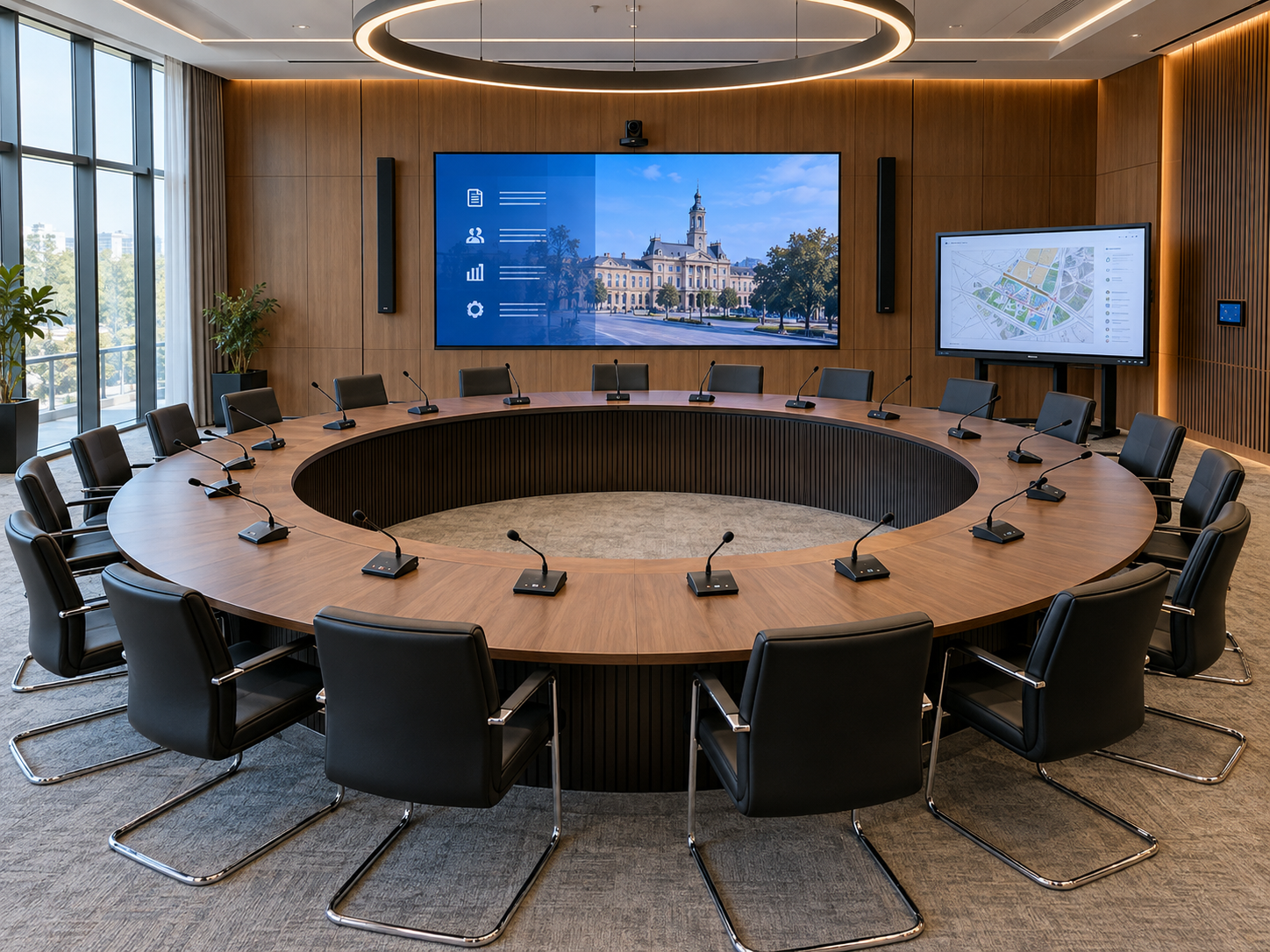
Conference systems for council chambers: a planning guide

Conference systems for council chambers: a planning guide

Every word on the record, every vote counted, every citizen able to follow.
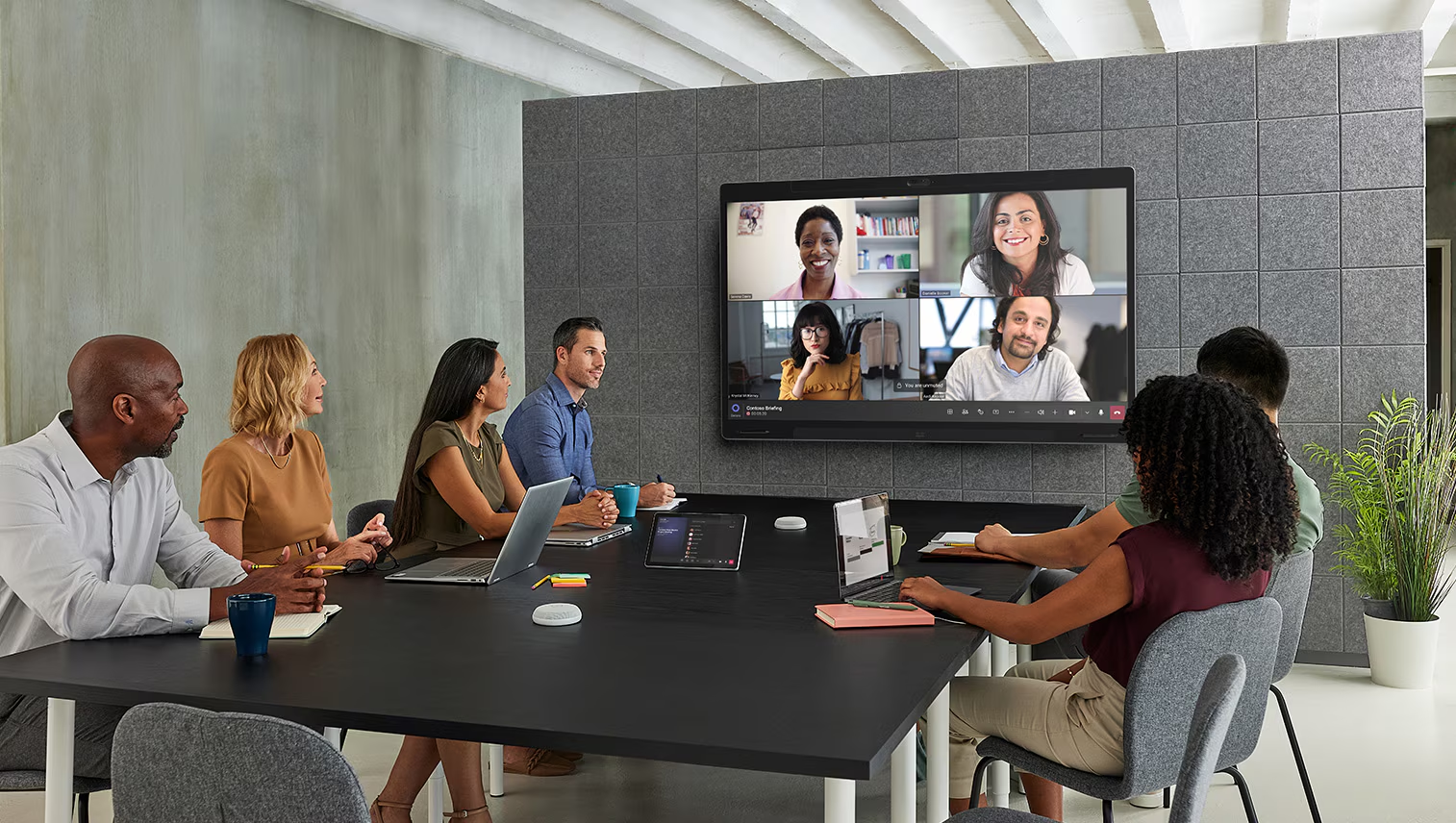
Why meeting rooms fail users: a 10-point technology checklist

Why meeting rooms fail users: a 10-point technology checklist

Most room failures start at the design stage.

Be the First to Know — Subscribe Today!

Stay up to date with the latest insights, industry trends, company news, upcoming events, and valuable resources delivered directly to your inbox.

 LinkedIn | Youtube | Facebook | InstagramÂ